Basics 39
US
Basics
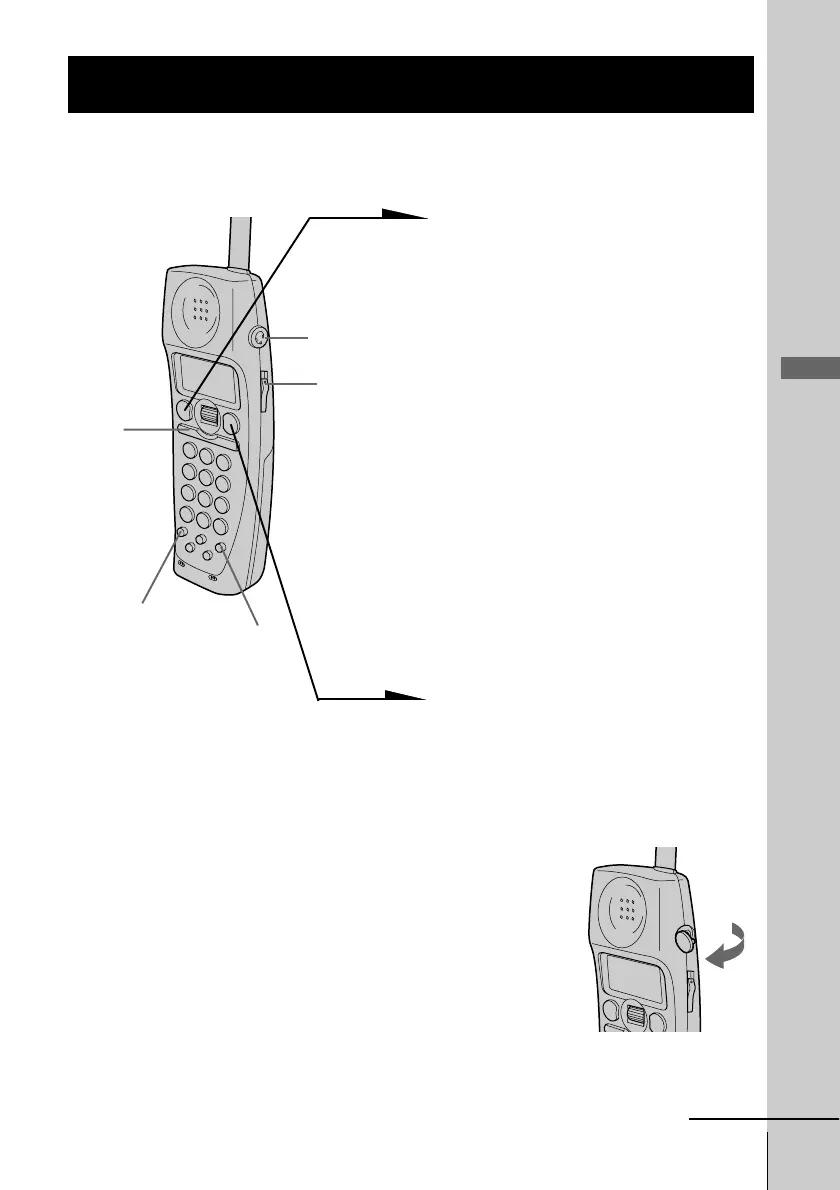
1 When you hear the phone ring:
• Press (TALK).
or
• Pick up the cordless handset
from the charger when the
cordless handset is placed on
the charger. (When Quick talk
is set to “ON”; see page 40)
“TALK” appears on the display
and the display also shows the
talk time in hours, minutes and
seconds.
“HANDSET 1 IN USE”
appears on the display of the
base phone when the cordless
handset with the station number
“1” is in use.
2 When you’re done talking, press
(OFF) or replace the cordless
handset on the charger.
The display turns off.
Receiving calls when the headset is connected
When a headset (optional) is connected to the I
(HEADSET) jack on the cordless handset, you can
talk through the headset.
Receiving calls
continued
VOL switch
I (HEADSET)
jack
(HOLD)
(CALL WAITING/FLASH)
(PGM)
Open
Receiving calls with the cordless handset



 To Next Page