______________________________________________________________________________
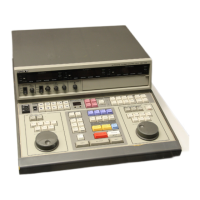
RCC1000
user manual | 7
Controller Settings Display
Press [Search] to display the following information about the controller (move joystick
up/down to scroll through dislpay):
MODEL: SONY
SN: RCC1000 serial number (8-digit)
KB ID: Programmable keyboard ID (2-digit)
SOUND: Key-press sound status (ON/OFF)
LOCK: Keyboard lock status (ON/OFF)



 To Next Page