18(E)
Menu Items
The “Control items” marked with z are those assigned to the control knobs. The other items are operated on the
menu display.
Paint menu
Paint menu consists of pages 1 to 7.
You can select page 1 through 3 directly by pressing the MODE buttons, PAINT 1, PAINT 2, or PAINT 3.
Pressing v or V of the page selected with a MODE button flip pages 1 through 7 in sequence.
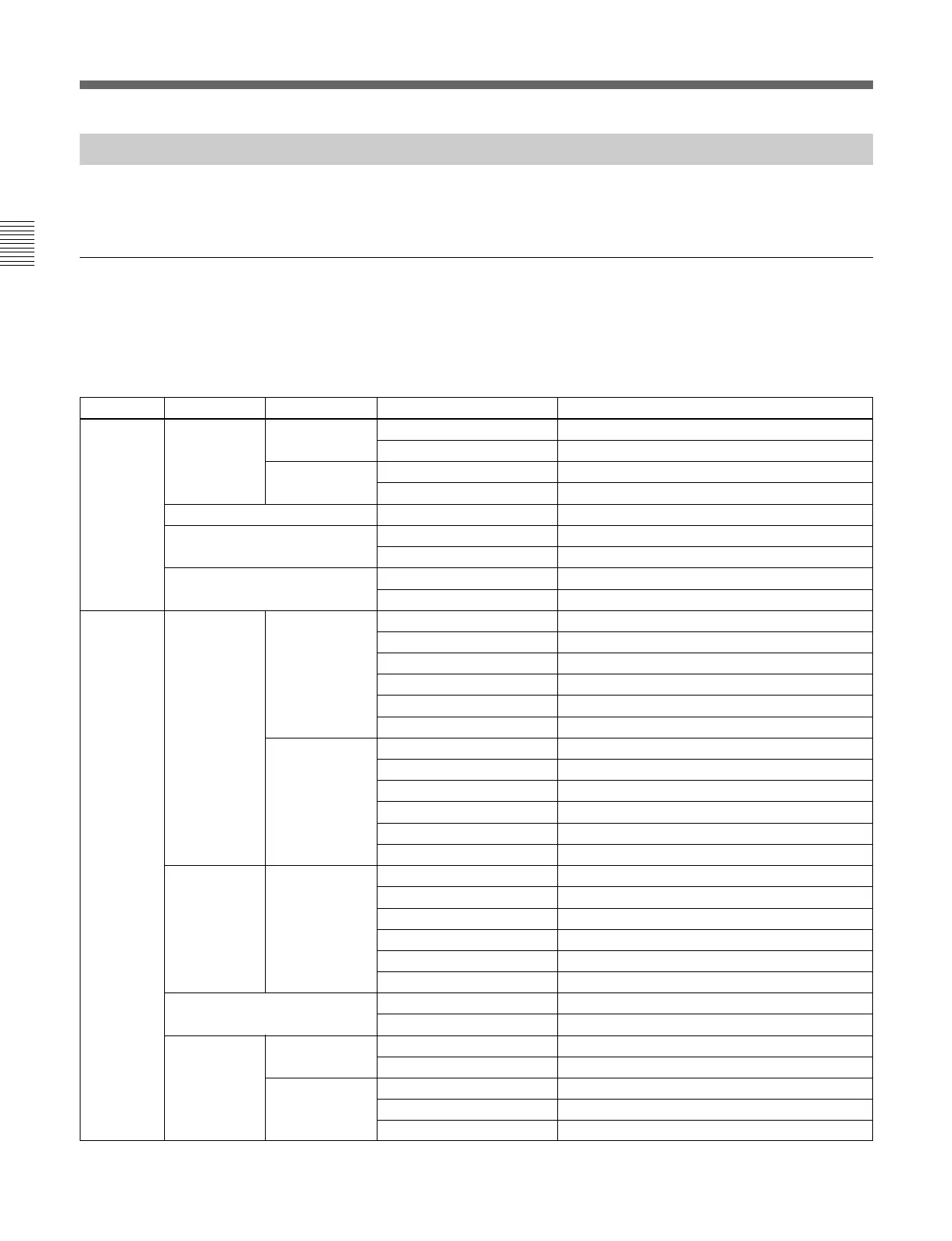
Page Menu Submenu Control item Function
Paint 1 White RGB z R/G/B/Master Adjusts the white balance.
ATW Executes the auto-trace white balance adjustment.
Color Temp z Master/Balance/Color Temp Adjusts the color temperature.
ATW Executes the auto-trace white balance adjustment.
Black z R/G/B/Master Adjusts the black balance.
Flare z R/G/B Adjusts the flare balance.
Flare Off Turn the flare ON/OFF.
Gamma z R/G/B/Master Adjusts the gamma.
Gamma Off Turns the gamma ON/OFF.
Paint 2 Detail 1 HD
a)
z Level Adjusts the HD detail level.
z Limiter Adjusts the HD detail limiter.
z Crispening Adjusts the HD detail crispening.
z Level Dep Adjusts the HD level dependence.
Detail Off Turns the HD detail ON/OFF.
SD DTL Off Turns the SD detail ON/OFF.
SD
a)
z Level Adjusts the SD detail level.
z Limiter Adjusts the SD detail limiter.
z Crispening Adjusts the SD detail crispening.
z Level Dep Adjusts the SD level dependence.
Detail Off Turns the HD detail ON/OFF.
SD DTL Off Turns the SD detail ON/OFF.
Skin Detail 1/2/3 (common) z Level Adjusts the skin detail level.
z Phase Adjusts the skin detail phase.
z Width Adjusts the skin detail width.
z Sat Adjusts the skin detail saturation.
Gate # Turns the skin detail gate ON/OFF (each channel).
Skin DTL # Turns the skin detail ON/OFF (each channel).
Saturation z Level Adjusts the saturation.
Sat Turns the saturation ON/OFF.
Black Gamma RGB z R/G/B/Master Adjusts the black gamma.
Range Adjusts the black gamma range.
Y z Y Adjusts the black gamma.
Range Adjusts the black gamma range.
Black Gam Y Turns the black gamma Y ON/OFF.
a) The submenu to select HD or SD is displayed only when an HD camera is connected.
Menu Configuration and Basic Menu Operations



 To Next Page