6-14
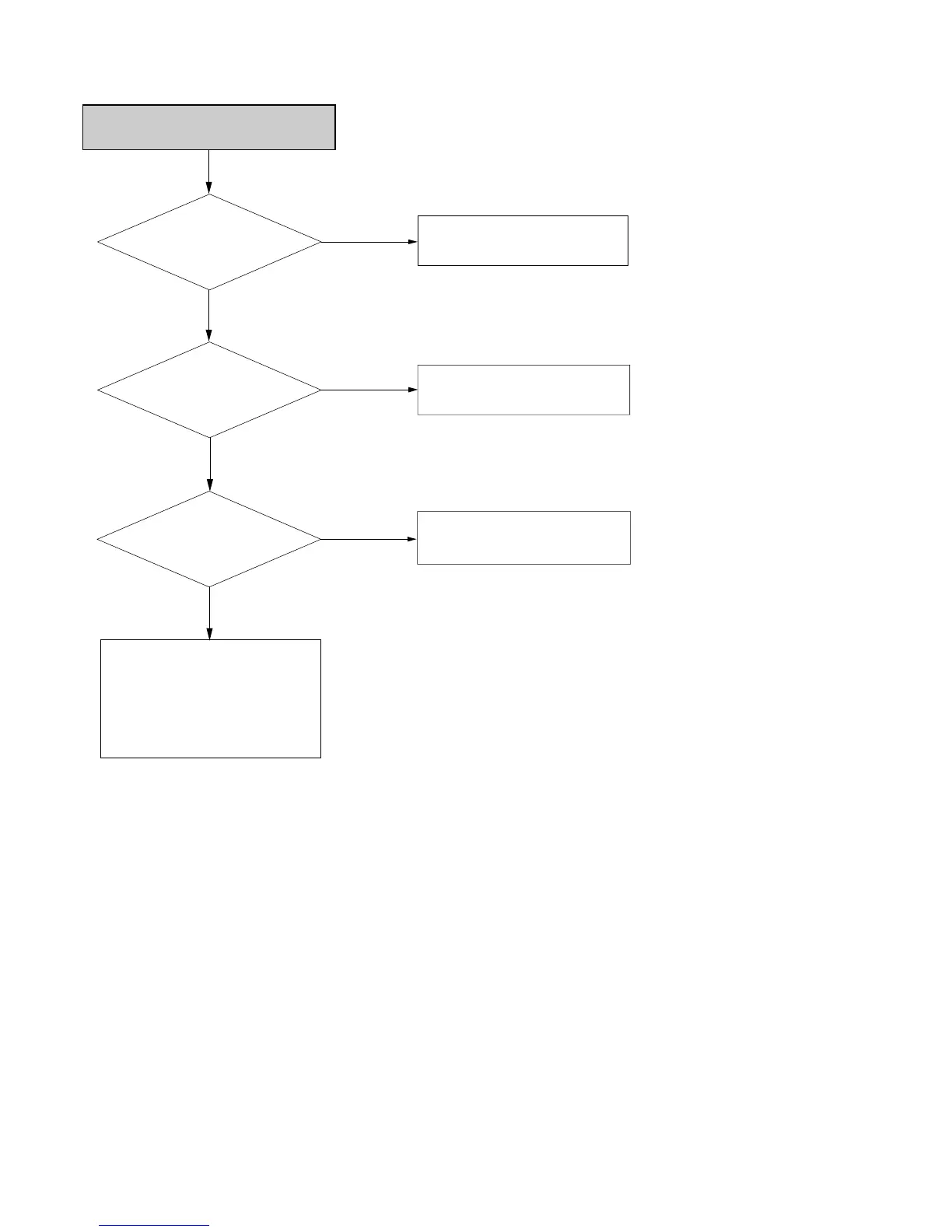
DV (Digital Video) Input Error
Check DV JACK
and CN02
(Pin # 11, 12, 13, 14)
No
Check VCC and Clcok oscillation
(Pin # 59, 60) of IC1301
No
Yes
Yes
Check IC1301
(Pin # 34-37)
Check peripheral parts of CN02 and
IC1301.
No
Yes
Check IC1301
(Pin # 4-13)
Check peripheral parts of DV JACK
and cable and connector of CN02.
1. Check Pin # 19 of IC1301
2. Check Pin # 6-13 of IC1301
3. Check peripheral parts of Clock
oscillation (IC105 Pin # 1, 2, 14)
4. Check VCC of IC101
5. Refer to the “CVBS output errror”



 To Next Page