20
US
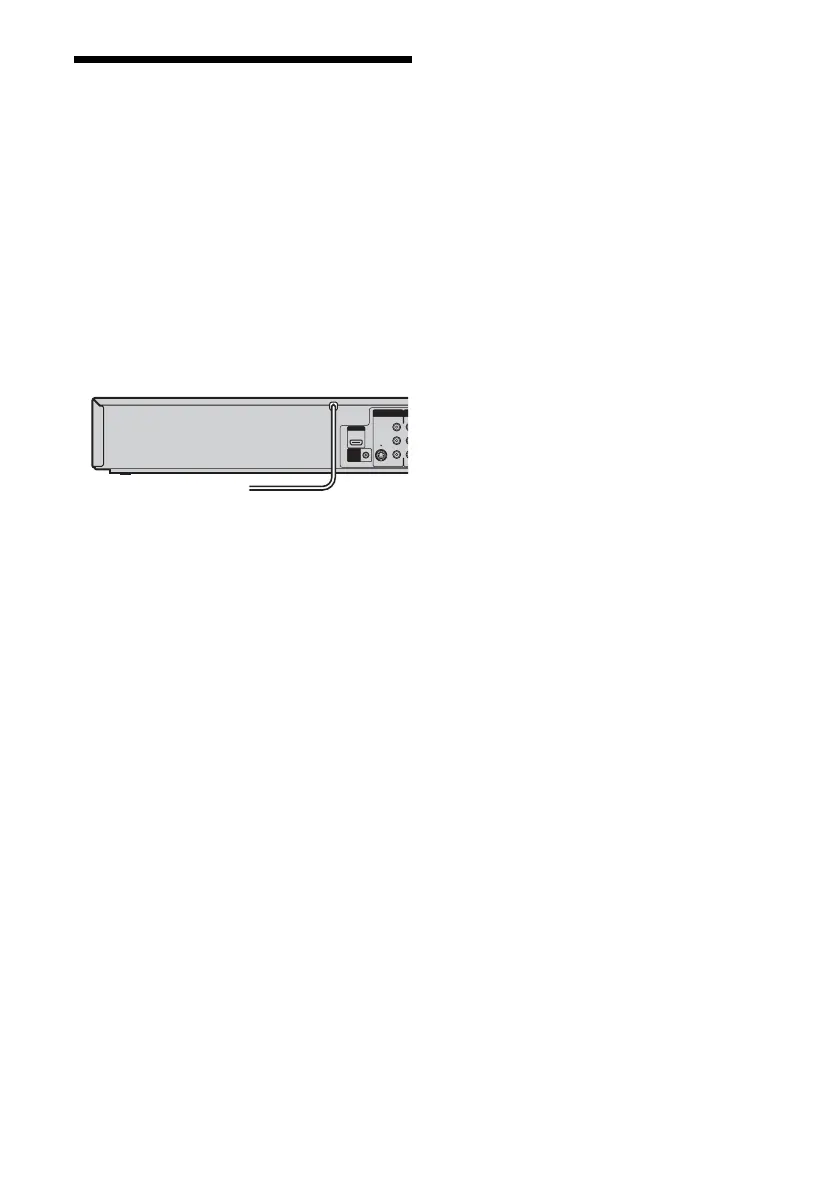
Step 5: Connecting the
Power Cord
Plug the recorder and TV power cords into an AC
outlet. After you connect the power cord, you
must wait for a short while before
operating the recorder. You can operate the
recorder only after the front panel display lights up
and the recorder enters standby mode.
If you connect additional equipment to this
recorder (page 27), be sure to connect the power
cord only after all connections are complete.
VI
LI
VIDEO
AUDIO
S VIDEO
LINE 1 IN
HDMI OUT
SET TOP
BOX
CONTROL
to AC outlet <













 To Next Page