Hookups and Settings
23
US
To return to the previous display
Press O RETURN.
To check the command mode for the recorder
Press x (stop) on the recorder when the recorder
is turned off. The command mode for the recorder
appears in the front panel display.
Step 7: Easy Setup
Follow the steps below to make the minimum
number of basic adjustments for using the
recorder.
Settings are made in the following order.
m
m
m
m
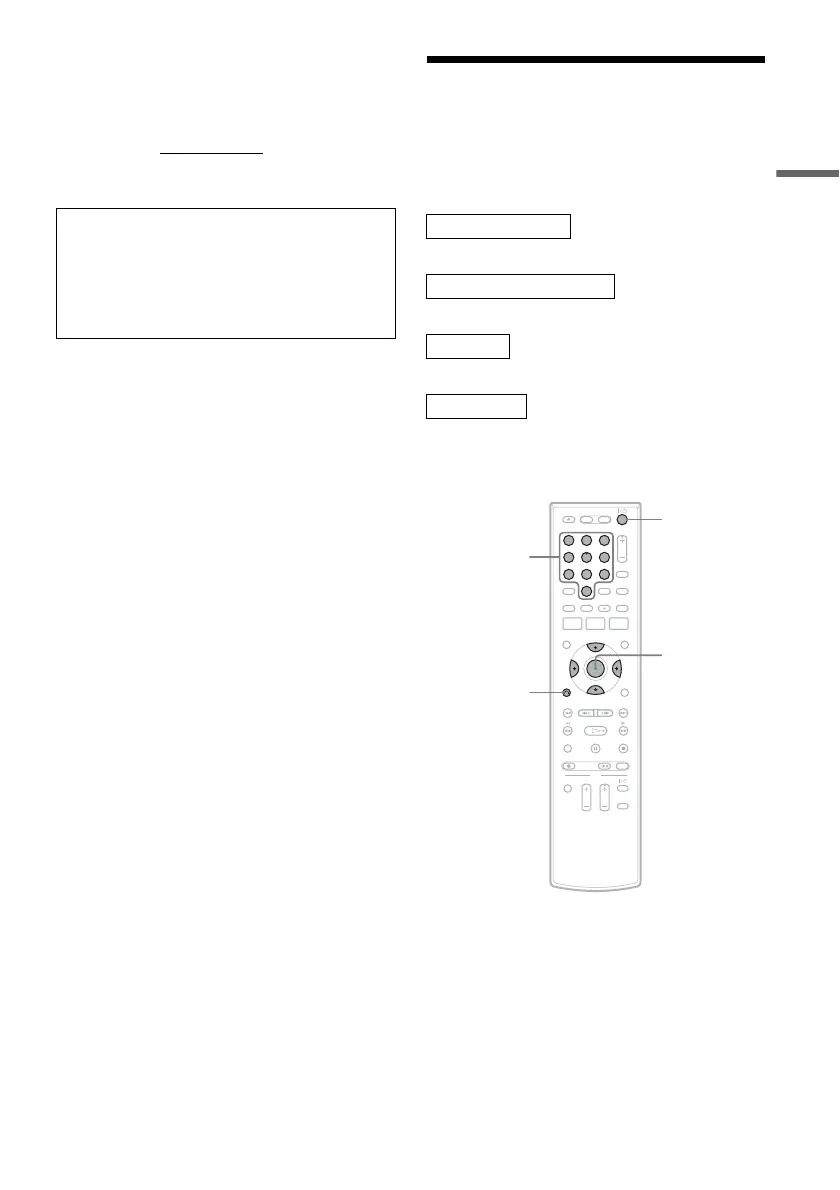
1 Turn on the TV.
2 Press "/1.
The recorder turns on.
If the command mode for the recorder has not
been changed, set the command mode for the
remote to the default setting of DVD3. If the
command mode for the remote is changed to
DVD1 or DVD2, you will be unable to operate
this recorder.
OSD Language Setup
Cable Box/Sat. Control Setup
Clock Setup
TV Type Setup
Finished!
11 22 33
44 55 66
77 88
00
99
M/m/</,,
ENTER
O RETURN
"/1
Number
buttons
,continued













 To Next Page