VCR Playback
73
US
Selecting the Sound During
Playback
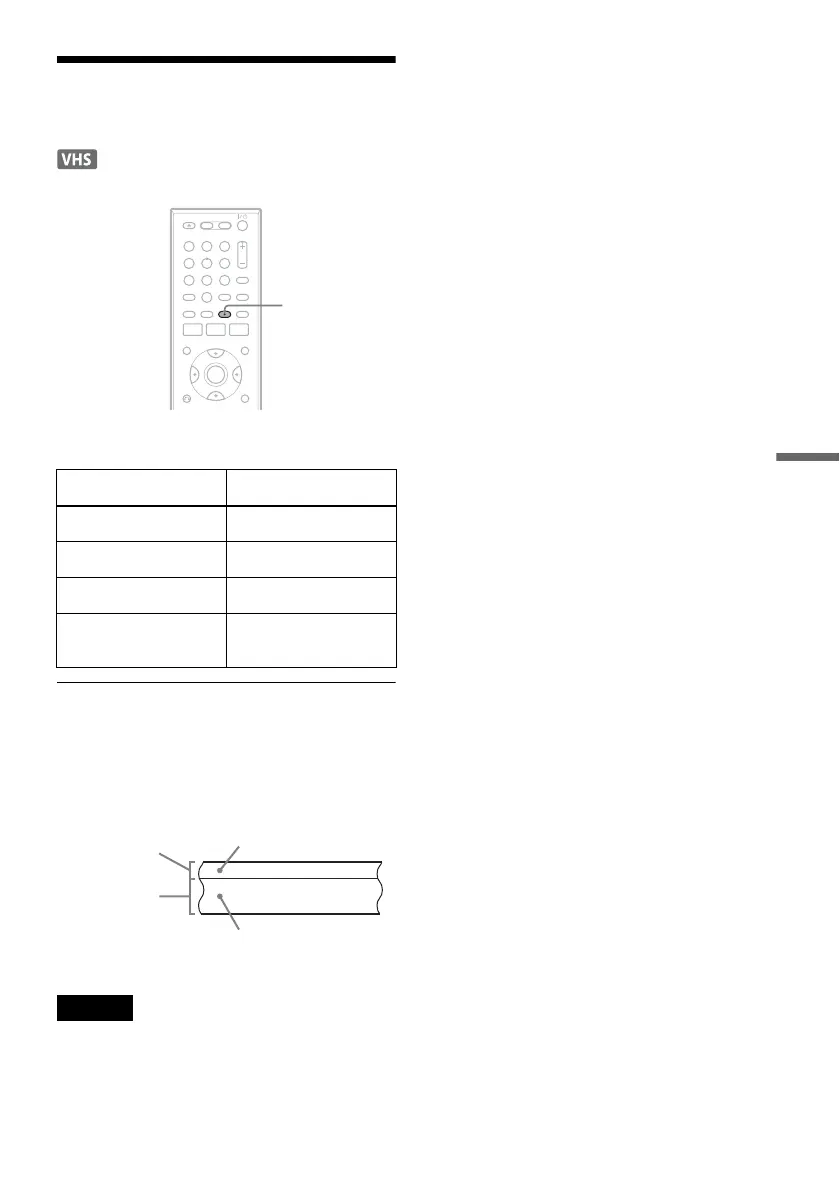
Press AUDIO repeatedly during playback.
How sound is recorded on a video tape
The VCR records sound onto two separate tracks.
Hi-fi audio is recorded onto the main track along
with the picture. Monaural sound is recorded onto
the normal audio track along the edge of the tape.
Notes
• To play a tape in stereo, you must use the A/V
connections.
• When you play a tape recorded in monaural, the sound
is heard in monaural regardless of the AUDIO setting.
To listen to On-screen display
Stereo Hi-Fi
Left channel Left
Right channel Right
Monaural sound on the
normal audio track
Mono
11 22 33
44 55 66
77 88
00
99
AUDIO
Normal audio track
Hi-fi audio track
(main track)
Monaural sound
Stereo sound
(left/right channels)












 To Next Page