82
US
Recording From Another
VCR or Similar Device
You can record from a connected VCR or similar
device. For connection details, see “Connecting
Another VCR or Similar Device” on page 27.
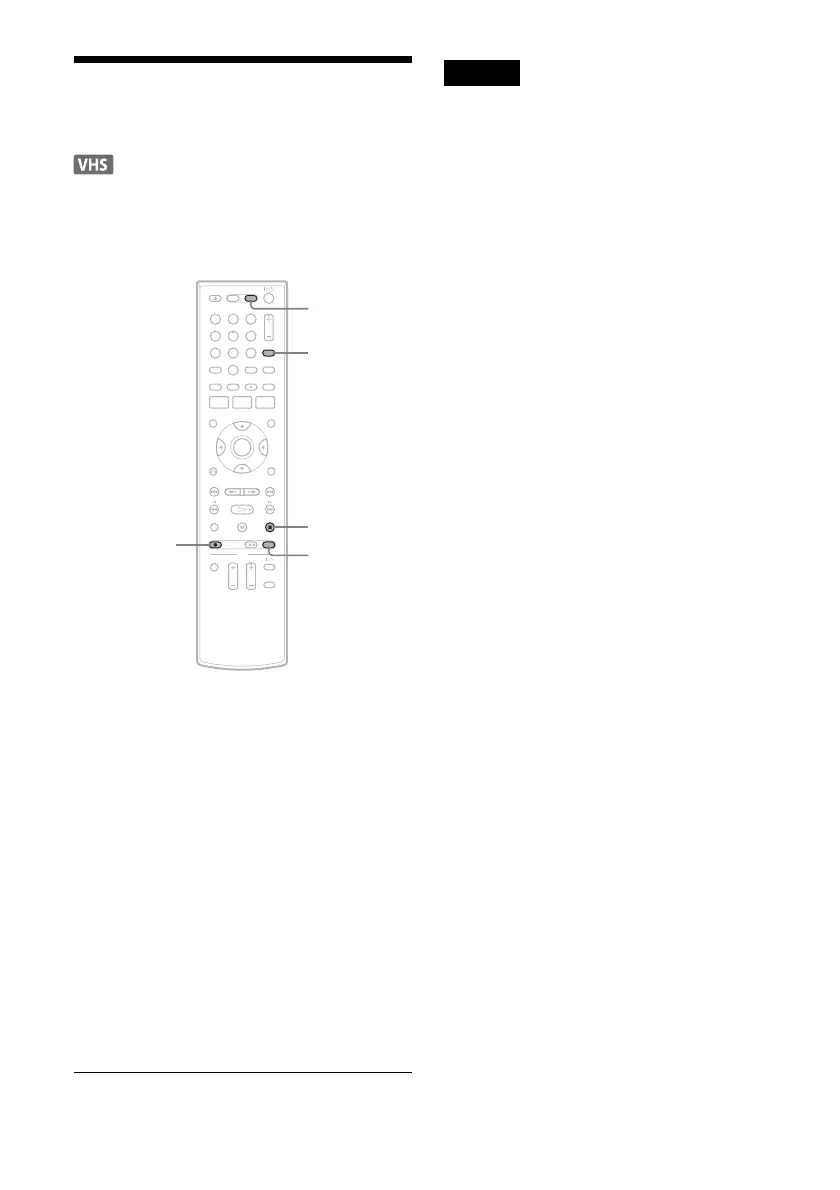
1 Press VIDEO to operate the VCR.
2 Insert a tape with its safety tab in place.
3 Press INPUT repeatedly to select the input
source (LINE1 or LINE2) according to the
connection you made.
4 Press REC MODE repeatedly to select the
recording mode, “SP” or “EP.”
5 Insert the source tape into the connected
equipment and set to playback pause.
6 Press z REC on this recorder and the
pause or play button on the connected
equipment at the same time.
Recording starts.
To stop recording, press x STOP on this
recorder.
Notes
• A video game image may not be recorded clearly.
• You cannot record on a tape with its safety tab
removed.
• During recording or recording pause, you cannot
change the recording mode.
• You cannot change the input source during recording.
11 22 33
44 55 66
77 88
00
99
INPUT
VIDEO
z REC
x STOP
REC MODE












 To Next Page