Wireless Connectivity
13
Table of Contents
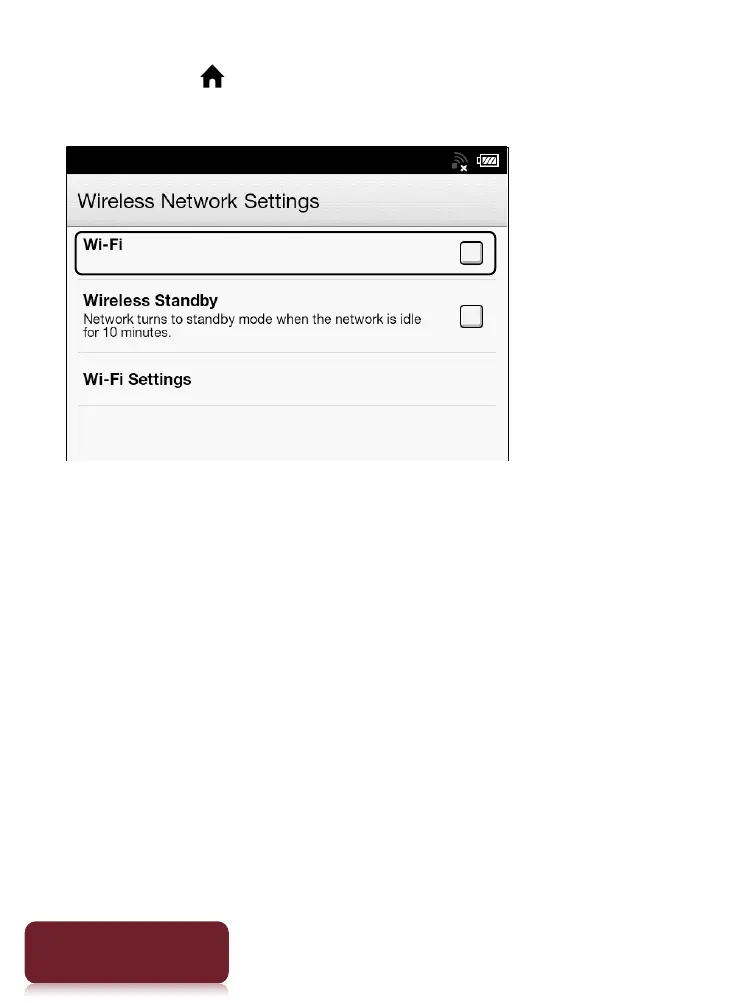
1 Press the (Home) button
tap [Applications]
[Settings]
[Wireless Network Settings].
2 Check the check box to the right of [Wi-Fi] to
turn on the Wi-Fi network.
A check indicates that [Wi-Fi] is turned on. Wi-Fi is
turned off by default.
Alternatively, you can tap the status bar
[Wi-Fi].
See Details.













 To Next Page