Wireless Connectivity
14
Table of Contents
Tip
Turn off [Wi-Fi] when it is not in use in order to extend
the battery life of the Reader.
Turn on [Wireless Standby] when you want to extend
the battery life. See Details.
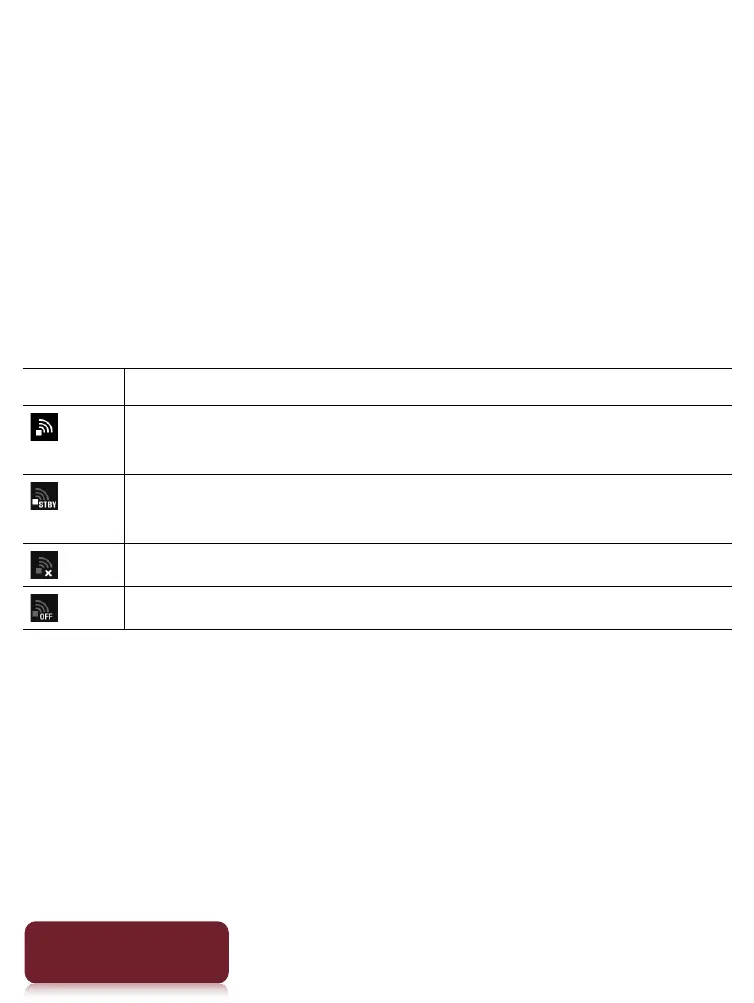
Wi-Fi status icons
The following icons in the status bar indicate the status
of the Wi-Fi connection.
Icon Status
Wi-Fi is activated. The number of bars indicates the
Wi-Fi signal strength.
The Wi-Fi network feature of the Reader is in
standby mode. See Details.
There is no Wi-Fi access point.
The [Wi-Fi] setting is turned off.













 To Next Page