Evernote
205
Table of Contents
Sign in to Evernote
If you have an Evernote account, you can use it by
typing your username and password.
1 Press the (Home) button
tap [Applications]
[Evernote Setup].
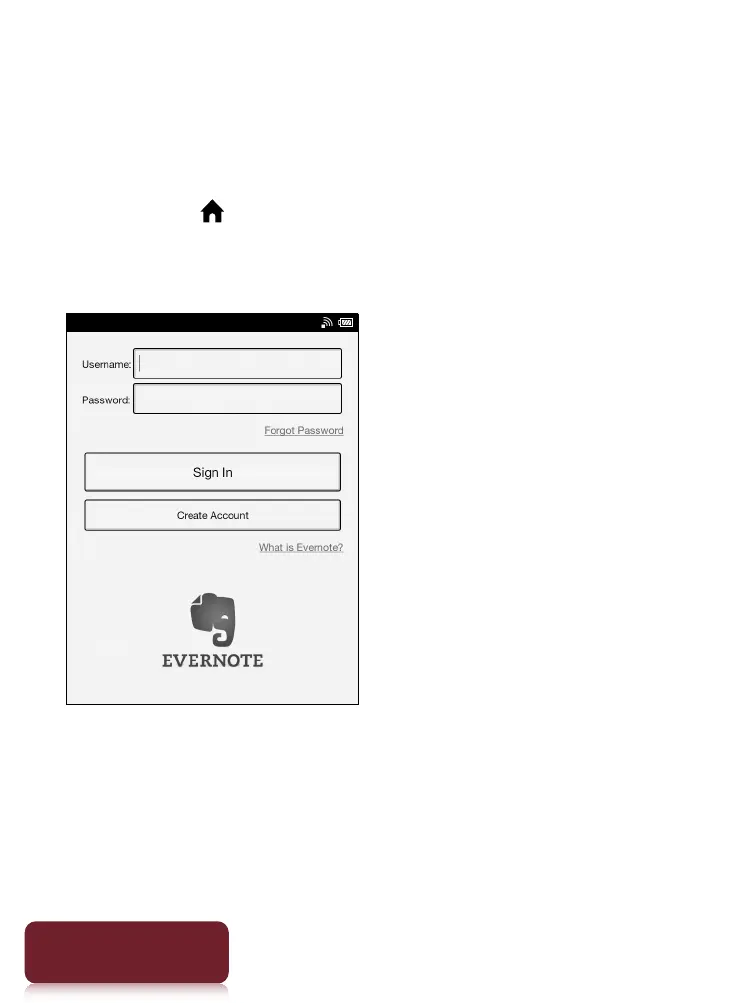
An Evernote settings screen for signing in appears.
2 Type your username and password using the
on-screen keyboard.
3 Tap [Sign In].
An Evernote settings for configuration appears.













 To Next Page