Reading Books
93
Table of Contents
Tip
If you select the [Refresh Display] checkbox from
[Application Preferences], the display refreshes at each
page turn. See Details.
Using the page navigation panel
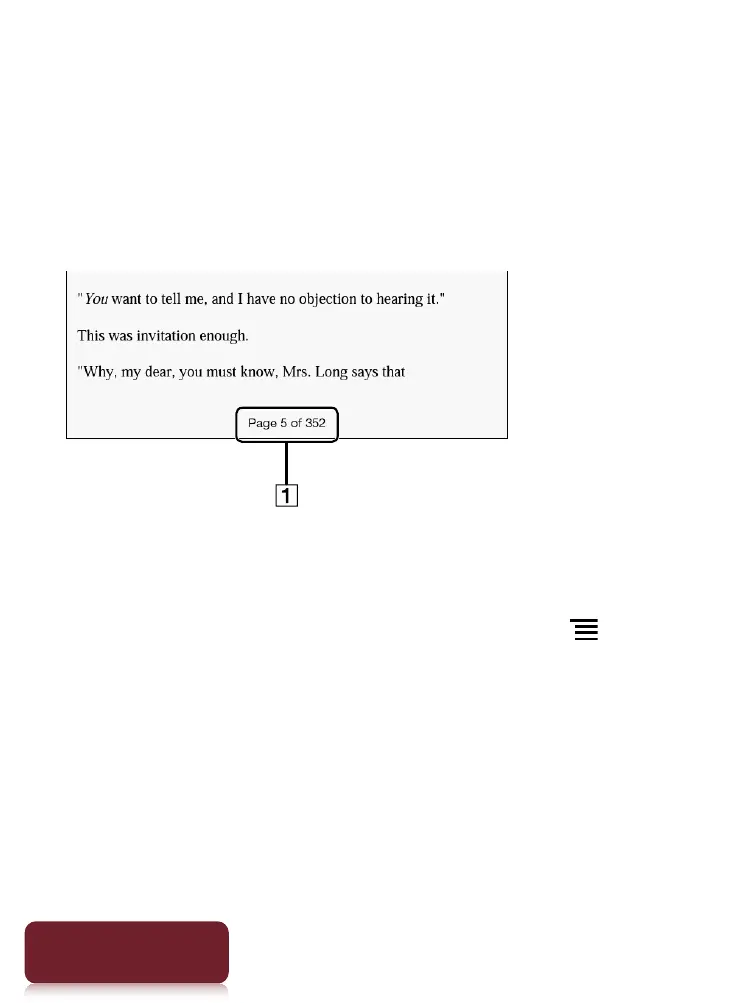
Page indicator
1 Tap the page indicator, or press the (Menu)
button
tap [Navigate Page] to open the page
navigation panel.













 To Next Page