31
GB
Example: To programme the TV
button
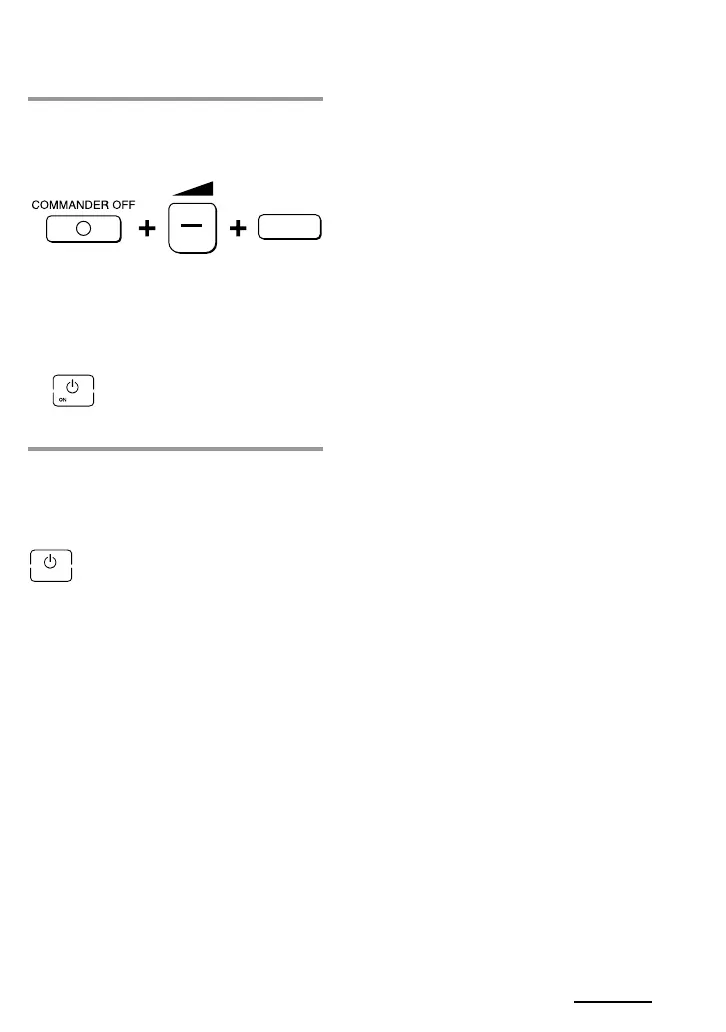
1 While pressing COMMANDER
OFF, press w – and the desired
Component Select button.
When the Power-on command is
programmed, you will hear a beep
and “1 ON” appears on the display.
(The display goes off when you
release the buttons.)
To clear the Power-on command
Repeat the procedure above.
The following display appears.
TV
Notes
• If the component code of a non-Sony product
has been set for a Component Select button,
you cannot programme the Power-On
function for it.
• Even if you have programmed a signal by
“learning” (See “Adding a command that is
required when selecting a component” on
page 32.) or a System Control function (page
27) for a Component Select button, you can
programme the Power-On function for that
button, but it cannot be used. If you clear a
“learned” signal or the System Control
function from the button, you can use the
Power-On function.
•You can programme a signal by “learning”
(page 32) or a System Control function (page
27) for a Component Select button for which
the Power-On function has been
programmed. In this case, the Power-On
function is overwritten and cannot be used. If
you clear the “learned” signal or the System
Control function from the button, the Power-
On function is resumed, and you can use it
again. If you have programmed both a signal
by “learning” and a System Control function
for the button, the “learned” signal will have
overwritten the System Control function.
Continued



 To Next Page