52
GB
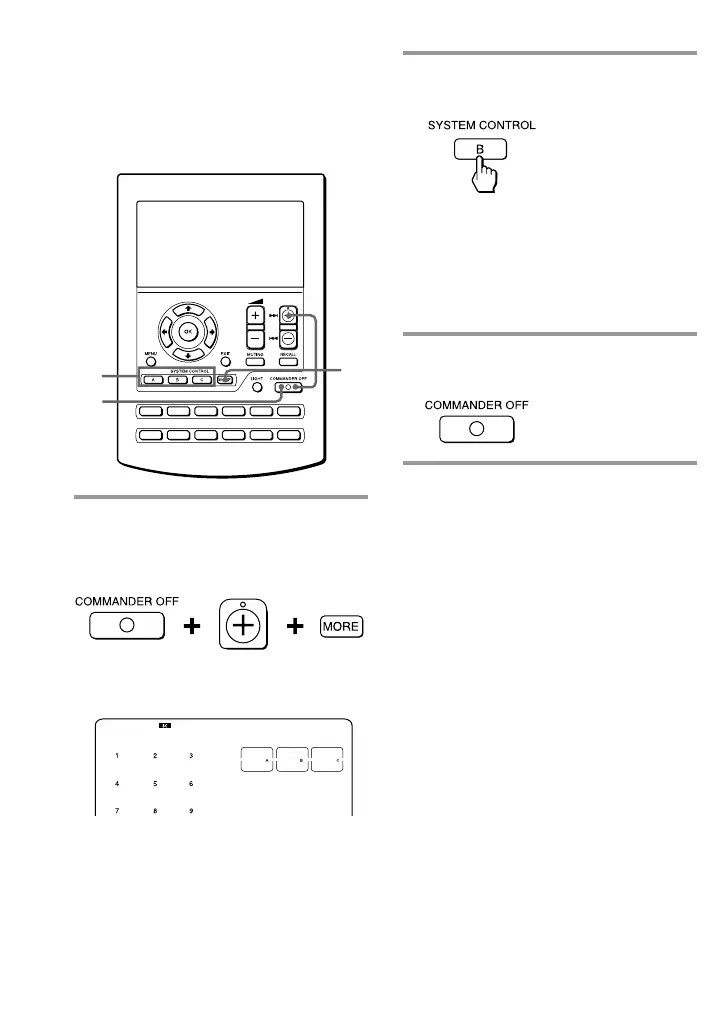
2 Press the key or button you want
to adjust.
The beaming time is changed with
each press of the key (from 0 to 2
seconds).
0 second: Stays lit
1 second: Flashes
2 seconds: Flashes slowly
3 Press the COMMANDER OFF
button.
Adjusting the beam interval to
avoid key misoperation
(continued)
TV
CD MD
SAT VCR
TAPE
DVD
M1
CBL
M2
AMP
M3
PROGRAM
3
2
1
To adjust the SYSTEM CONTROL
buttons
1 While pressing COMMANDER
OFF, press PROGRAM + and
MORE.
All the SYSTEM CONTROL keys stay
lit.
PROGRAM



 To Next Page