11
GB
Note
If you don’t input anything into the
Commander for over 30 seconds
between each step, the Commander
exits SET mode.
Tips
• If you press the Jog dial at “EXIT” on
each menu, the Commander returns
to the top of the previous mode.
• If you press SET at any point during
this operation, the settings to which
“OK” have been displayed to this
point are saved, and the setup
procedure is cancelled. Start over
from Step 2.
Setting by searching
You can find a code number
available for a component that
doesn’t have one in the supplied
“Component Code Numbers.”
Before starting to search
Set each component to the
following status so that the Search
function works effectively.
TV: Power-on
SAT, VCR, DVD, AMP: Power-off
CD, MD, TAPE: Power-on with a
playback source (disc, cassette
tape, etc.)
Tip
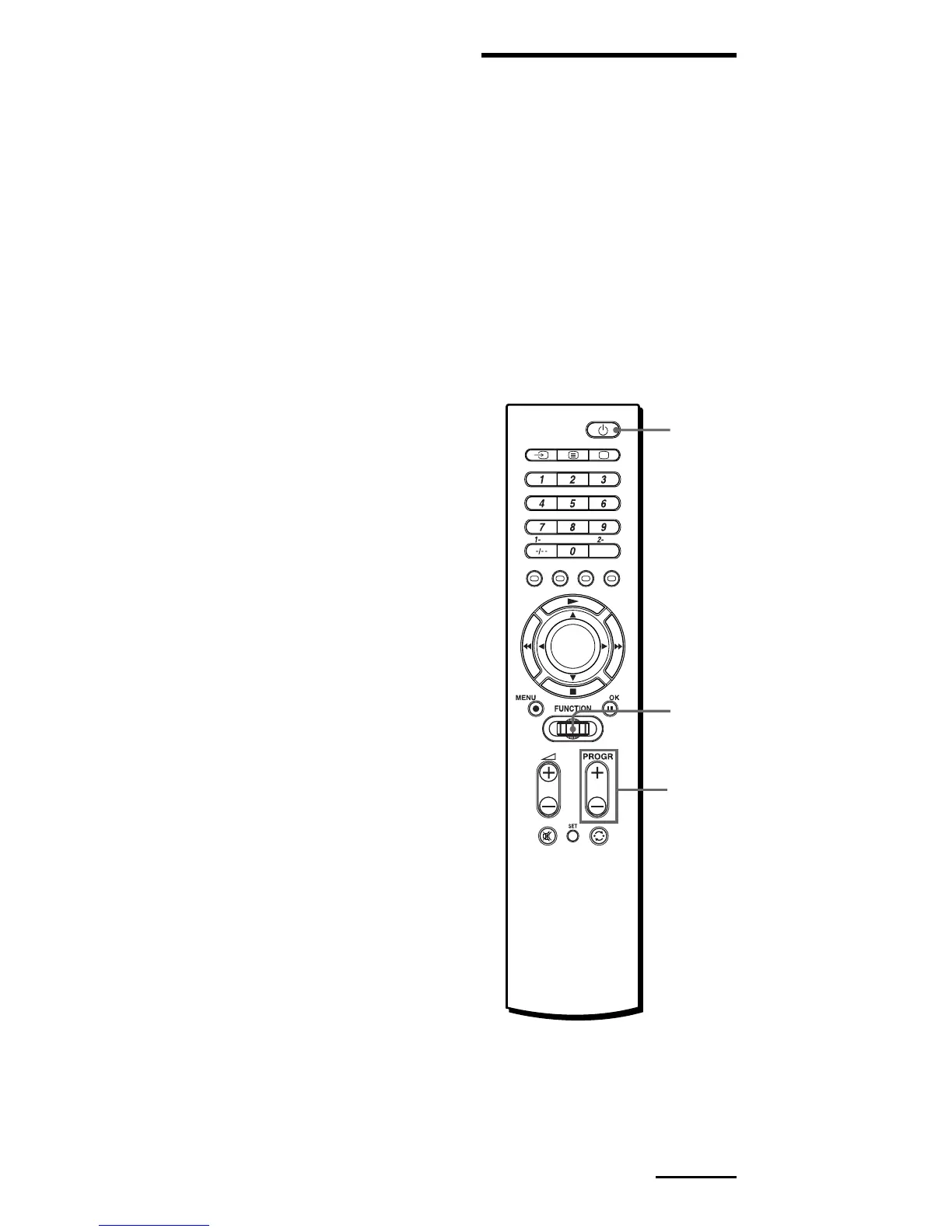
You can also press b/B instead of
turning the Jog dial to the left/right.
You can also press OK instead of
pressing the Jog dial.
Continued
2
2
Jog
dial



 To Next Page
 Loading...