31
GB
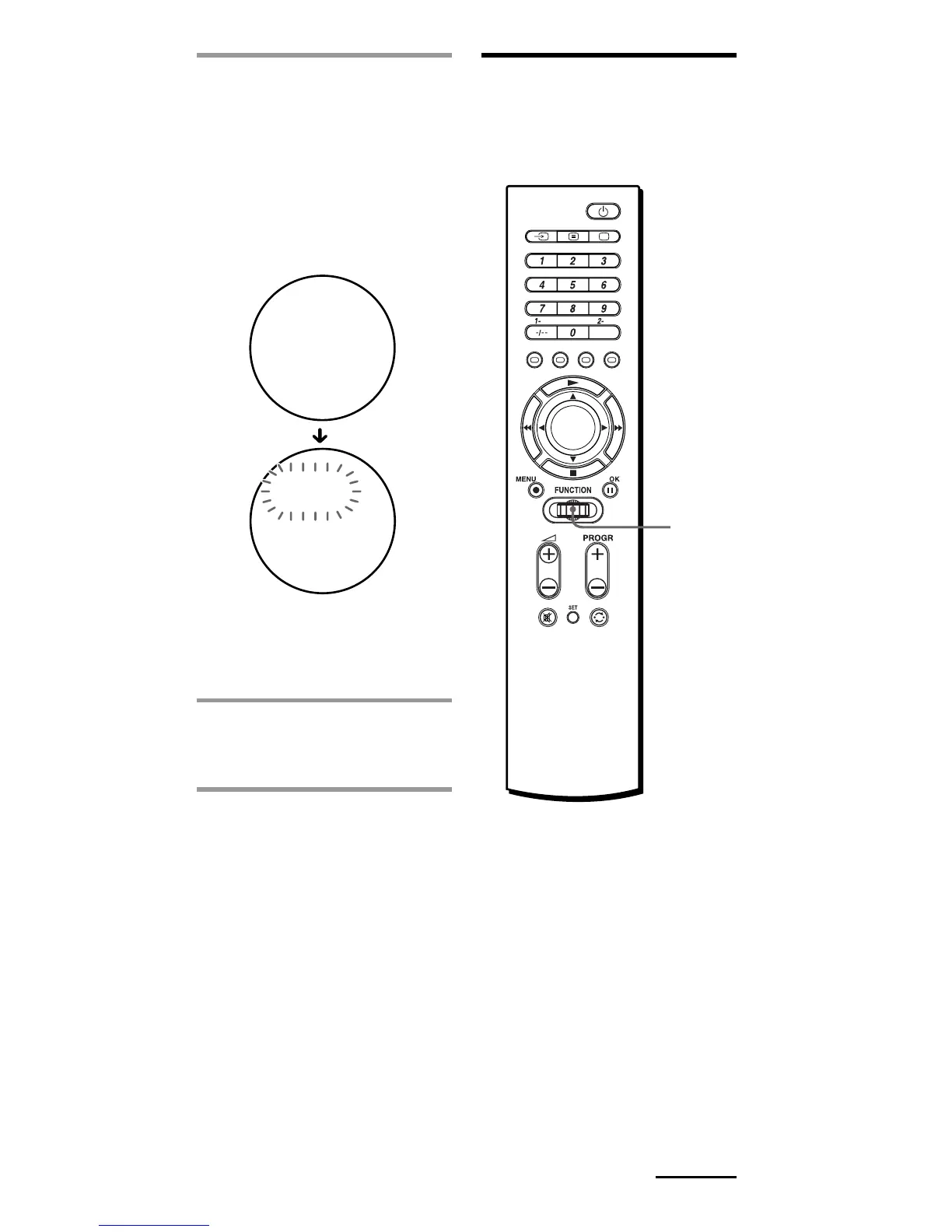
4 Press the Jog dial.
“OK” appears in the display
for one second. All settings to
the selected Setting position
number are deleted. The
Setting position number
flashes, and the original
component name appears in
the display.
If you want to delete the
memorised setting from
another Setting position
number, repeat from Step 3.
5 Select “EXIT,” then press
the Jog dial to finish
erasing.
Erasing all memorised
settings from the
Commander
— Factory Reset
Tip
You can also press b/B instead of
turning the Jog dial to the left/right.
You can also press OK instead of
pressing the Jog dial.
Continued
-1S
OK
LDE
-1S
LDE
VT
Jog
dial



 To Next Page