9-3
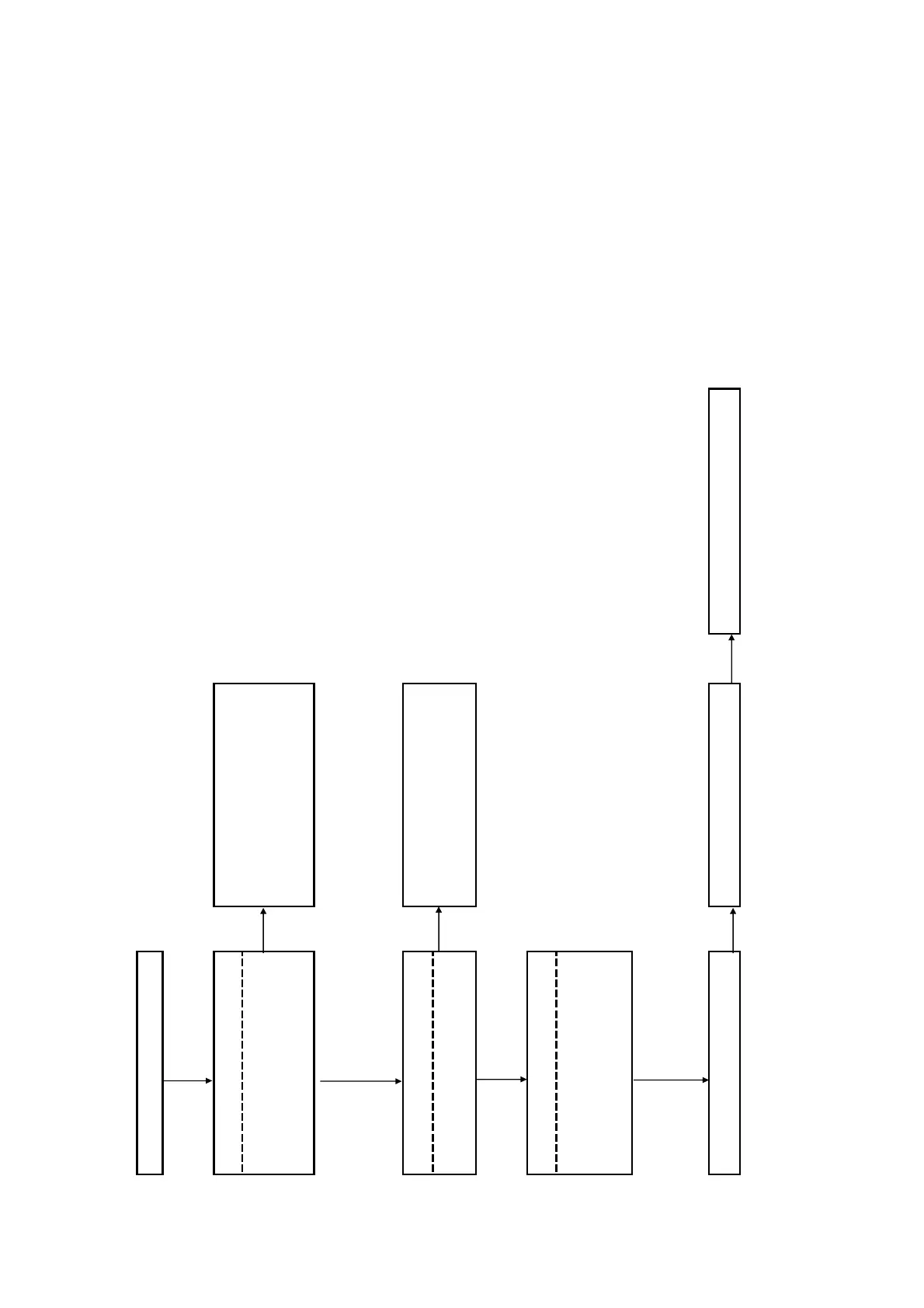
Power (System) Flow
AC IN
Check the output voltages from the power
supply block.
CN201 pin 1: +12V (UNSW12V)
CN201 pin 2: +12V (UNSW12V)
CN201 pin 3: +12V (FE_UNSW12V)
-
-
No
Yes
Check the fuses
Have any of the below fuses blown?
No
MB board: PS301, PS302
Yes
Check the following power control signals
while the power is ON
PCONT1# : MB board R396, R398,R390
Yes
Check the voltages based on the schematic
diagram
No
Voltage lines that are not output are shorted
to GND
No
Failure of power supply IC -> Replace the IC
Replace the MB board if there is no improvement
Check that the harness has been inserted
properly. If there is no problem, replace the
power supply block.
Replace blown fuses
Replace the MB board if there is no
improvement
BDP-BX39/S390



 To Next Page