7
Press o<K1 AMS DDU.
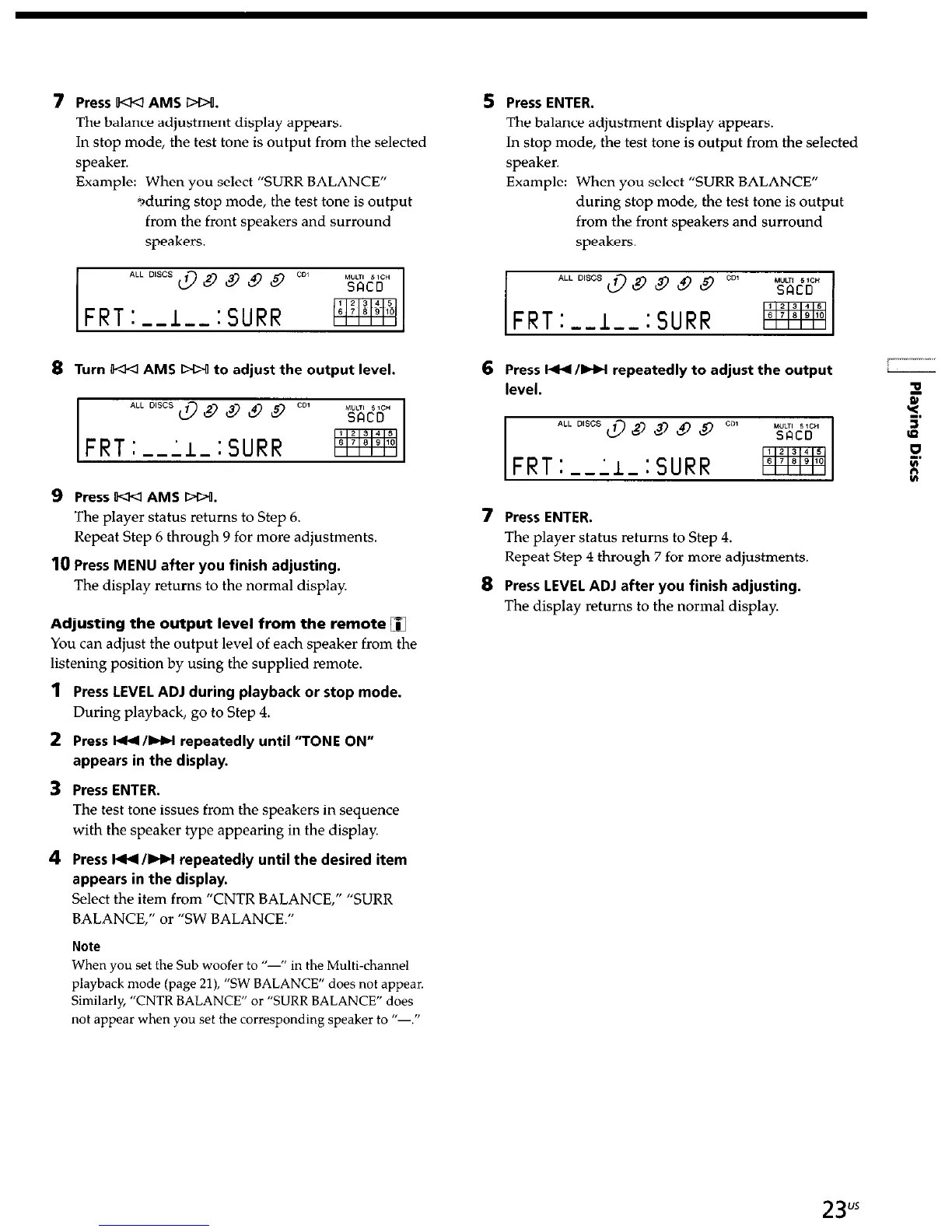
The balance adjustment display appears.
In stop mode, the test tone is output from the selected
speaker.
5 Press ENTER.
The balance adjustment display appears.
In stop mode, the test tone is output from the selected
speaker.
Example: When you select “SURR BALANCE”
Example: When you select “SURR BALANCE”
sduring stop mode, the test tone is output
during stop mode, the test tone is output
from the front speakers and surround
from the front speakers and surround
speakers.
speakers.
8
Turn w<l AMS Dw to adjust the output level.
9 Press 544 AMS Dw.
The player status returns to Step 6.
Repeat Step 6 through 9 for more adjustments.
10
Press MENU after you finish adjusting.
The display returns to the normal display.
Adjusting the output level from the remote
q
You can adjust the output level of each speaker from the
listening position by using the supplied remote.
1
Press LEVEL ADJ during playback or stop mode.
During playback, go to Step 4.
2 Press W/W repeatedly until “TONE ON”
appears in the display.
3 Press ENTER.
The test tone issues from the speakers in sequence
with the speaker type appearing in the display.
4 Press W/HI repeatedly until the desired item
appears in the display.
Select the item from “CNTR BALANCE,” “SURR
BALANCE,” or “SW BALANCE.”
Note
When you set the Sub woofer to “-” in the Multi-channel
playback mode (page 21), “SW BALANCE” does not appear.
Similarly, “CNTR BALANCE” or “SURR BALANCE” does
not appear when you set the corresponding speaker to I’-,”
6
Press W/HI repeatedly to adjust the output
7 Press ENTER.
The player status returns to Step 4.
Repeat Step 4 through 7 for more adjustments.
8
Press LEVEL ADJ after you finish adjusting.
The display returns to the normal display.



 To Next Page