17
GB
Listening to music via a Wi-Fi network
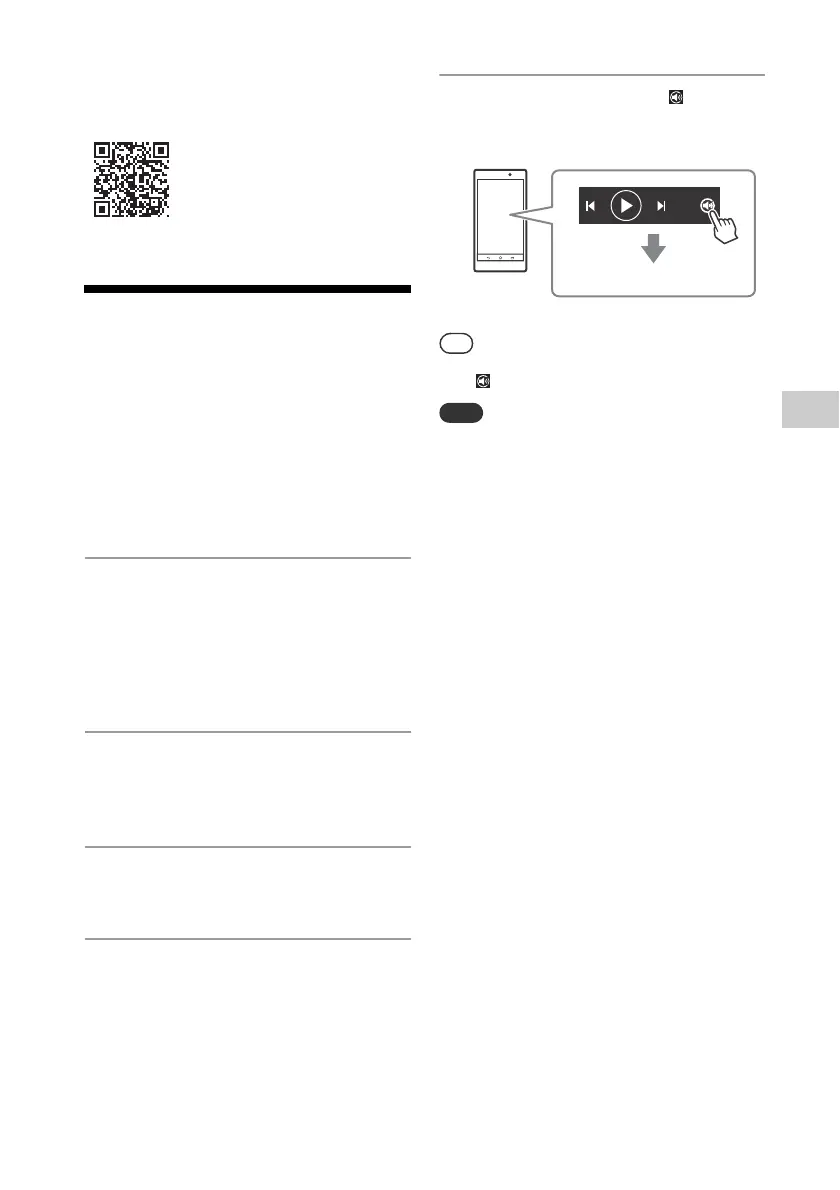
Refer to Help Guide for detailed
operation.
http://rd1.sony.net/help/speaker/srs-x77/h_zz/
Listening to an Internet
music service (Spotify)
“Spotify” gives you instant access to millions
of songs. The “Spotify Connect” feature lets
you select music on the Spotify app and
stream it on the unit. To use “Spotify
Connect” feature, you need a Premium
account.
For details, visit www.spotify.com/connect
1
Connect the unit and
smartphone/iPhone to your Wi-
Fi network.
Connect the unit and smartphone/
iPhone to the same SSID (network) of
your router.
2
Download the Spotify app to
your smartphone/iPhone from
Google Play or the App Store.
3
Launch the Spotify app and log in
to a Spotify Premium account.
4
Select and start playing the
music.
5
Tap the Connect icon ( ) and
select the unit as the audio
output device.
When “Spotify Connect” is activated, the Connect
icon ( ) lights up.
Depending on the country and region, music
services and their periods of availability may differ.



 To Next Page