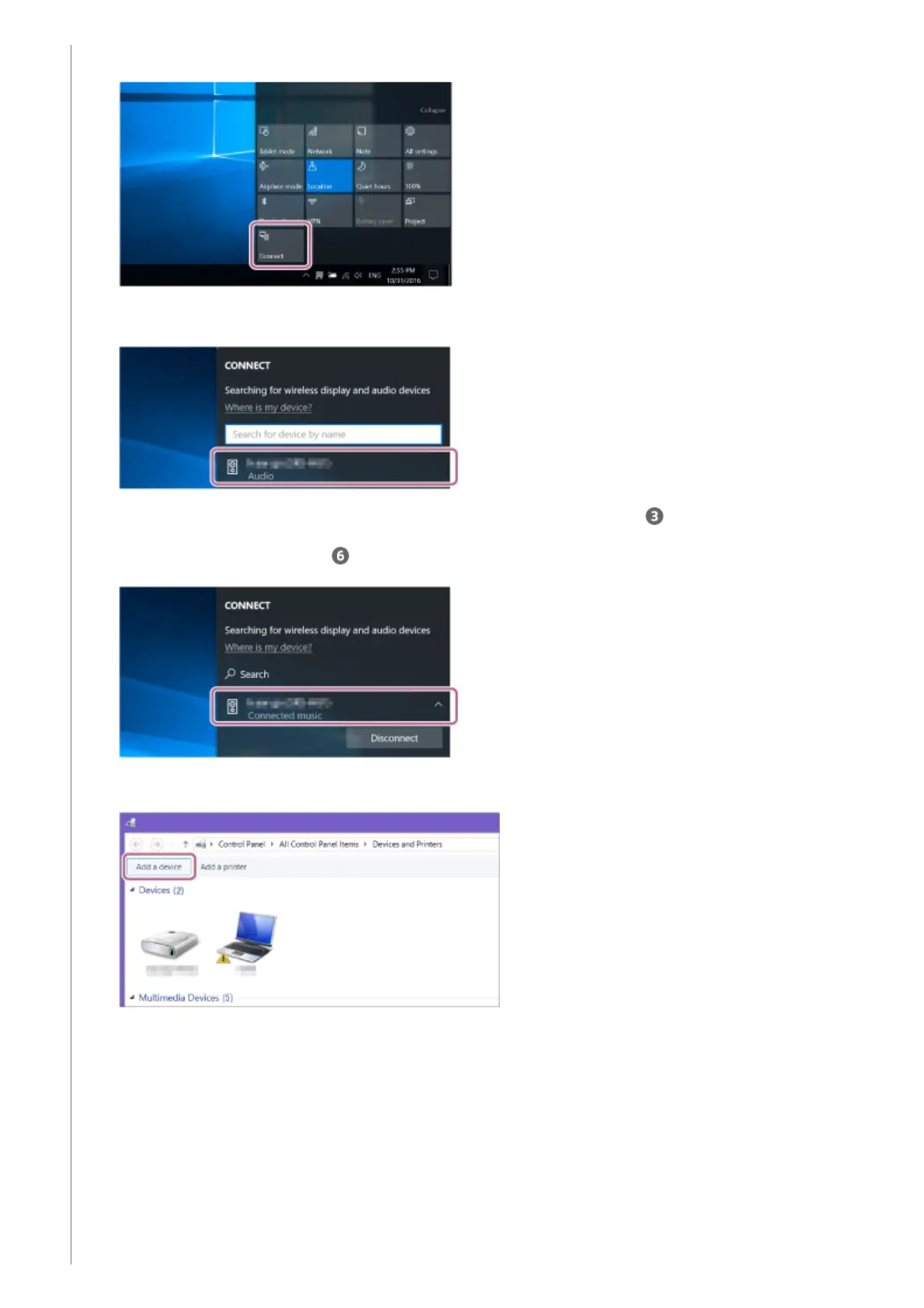
Select [Connect] in the Action Center on the right-bottom of the screen. 1.
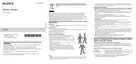
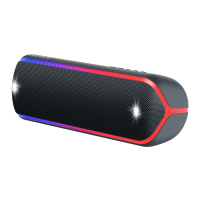
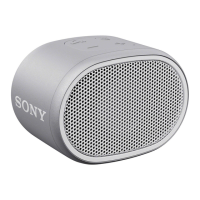
Select [SRS-XB21].
If [SRS-XB21] does not appear on the screen, repeat the procedure from step .
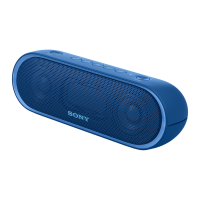
After pairing, the BLUETOOTH connection establishes automatically and [Connected music] will be displayed
on the screen. Proceed to step
.
2.
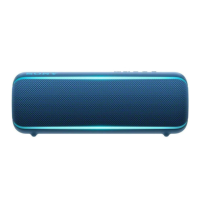
Click [Add a device].
3.
Select [SRS-XB21] and click [Next]. 4.


 To Next Page