Help Guide
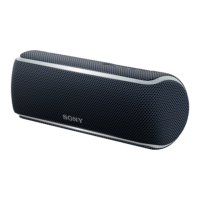
Wireless Speaker
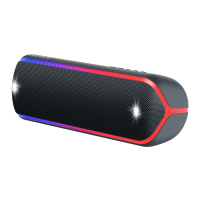
SRS-XB21
Initializing the speaker
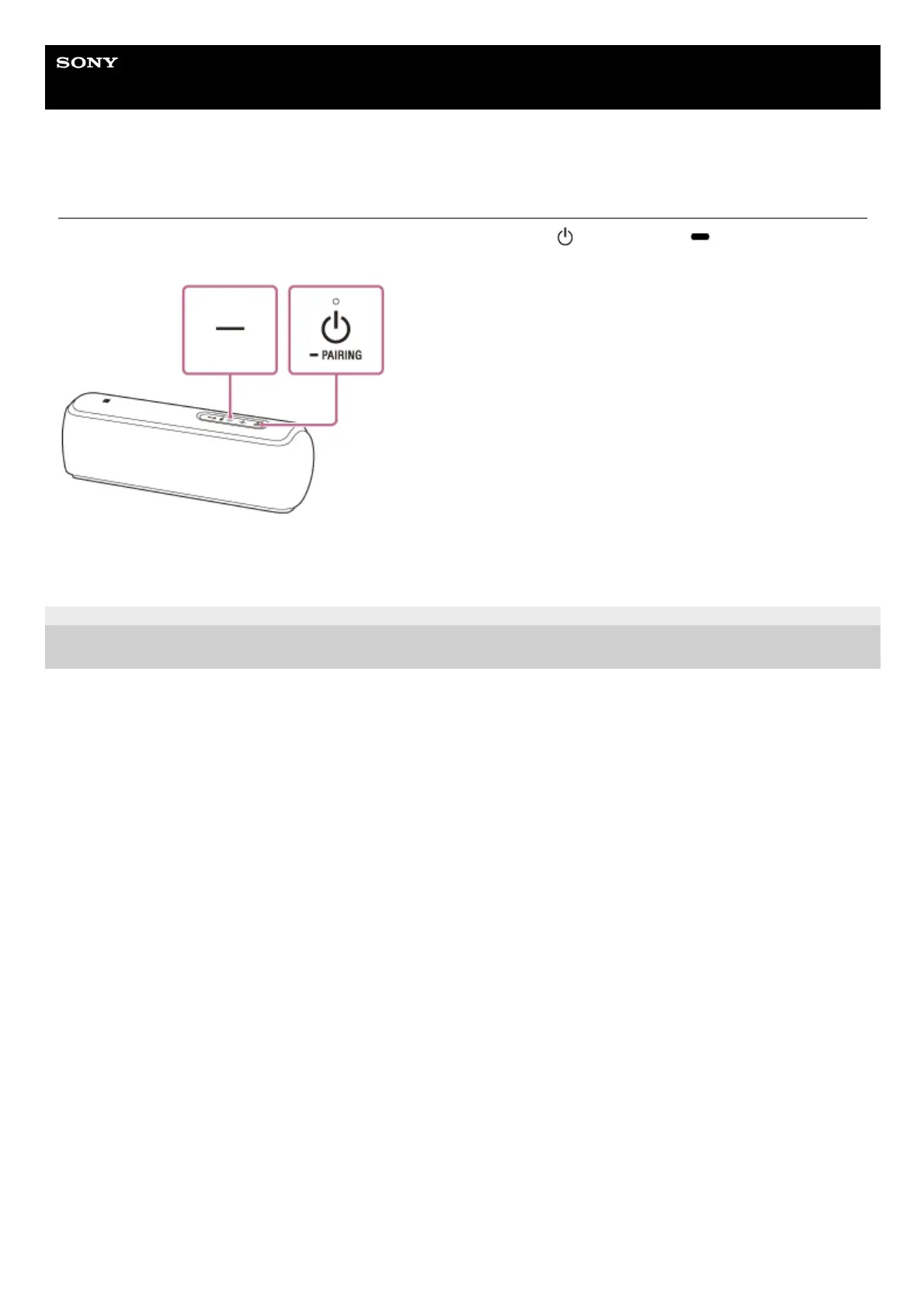
With the speaker turned on, press and hold the – (volume) button and the
(power) button/ PAIRING button at
the same time for more than 5 seconds until the speaker turns off.
The speaker is initialized. Settings such as volume, etc., are restored to the factory default settings, and all pairing
information is deleted.
4-735-513-11(3) Copyright 2018 Sony Corporation


 To Previous Page