this case, turn off the BLUETOOTH function or turn off the power of the currently connected BLUETOOTH
device.
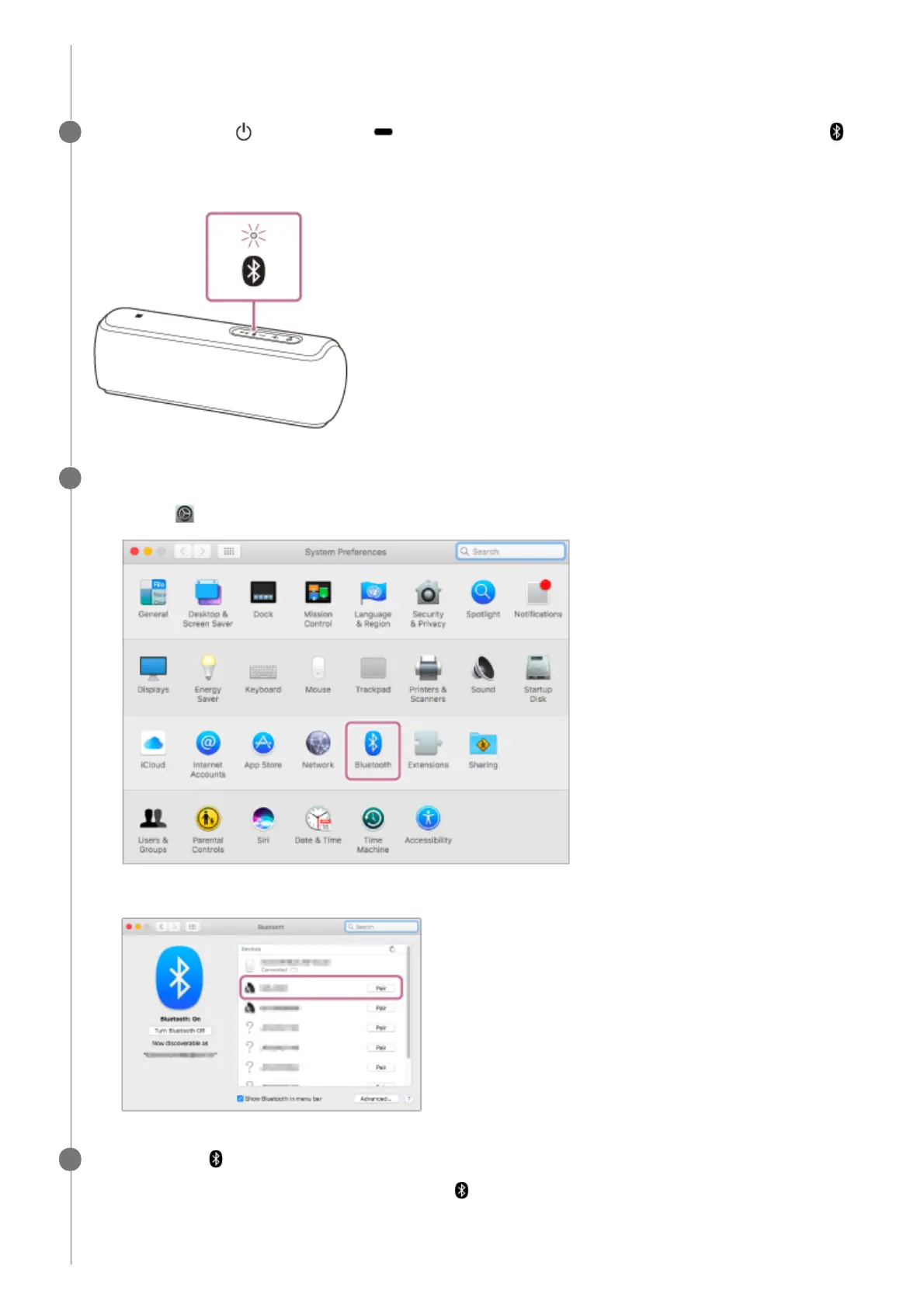
Press and hold the (power) button/ PAIRING button until you hear the voice guidance and the
(BLUETOOTH) indicator begins to flash quickly in blue.
The speaker enters pairing mode.
2
Search for the speaker on the computer.
3
Select [
(System Preferences)] - [Bluetooth] in the taskbar on the right-bottom of the screen.
1.
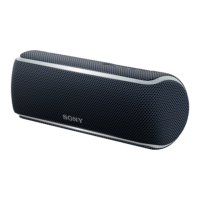
Select [SRS-XB21] from the Bluetooth screen, then click [Pair].
2.
Check that the
(BLUETOOTH) indicator has switched from flashing to a steady light.
When the speaker is connected to the computer, the
(BLUETOOTH) indicator stays lit.
4


 To Next Page