102
US
D:\Cannes\STR-DA3400ES_U_R1\3289137121\3289137121\3289137121\01US-
STRDA3400ESUC\090OTH.fm
masterpage: Left
STR-DA3400ES
3-289-137-12(1)
Recording using the
receiver
You can record from a video/audio component
using the receiver. Refer to the operating
instructions supplied with your recording
component.
You can record onto a MiniDisc or audio tape
using the receiver. Refer to the operating
instructions supplied with your MD deck or
tape deck.
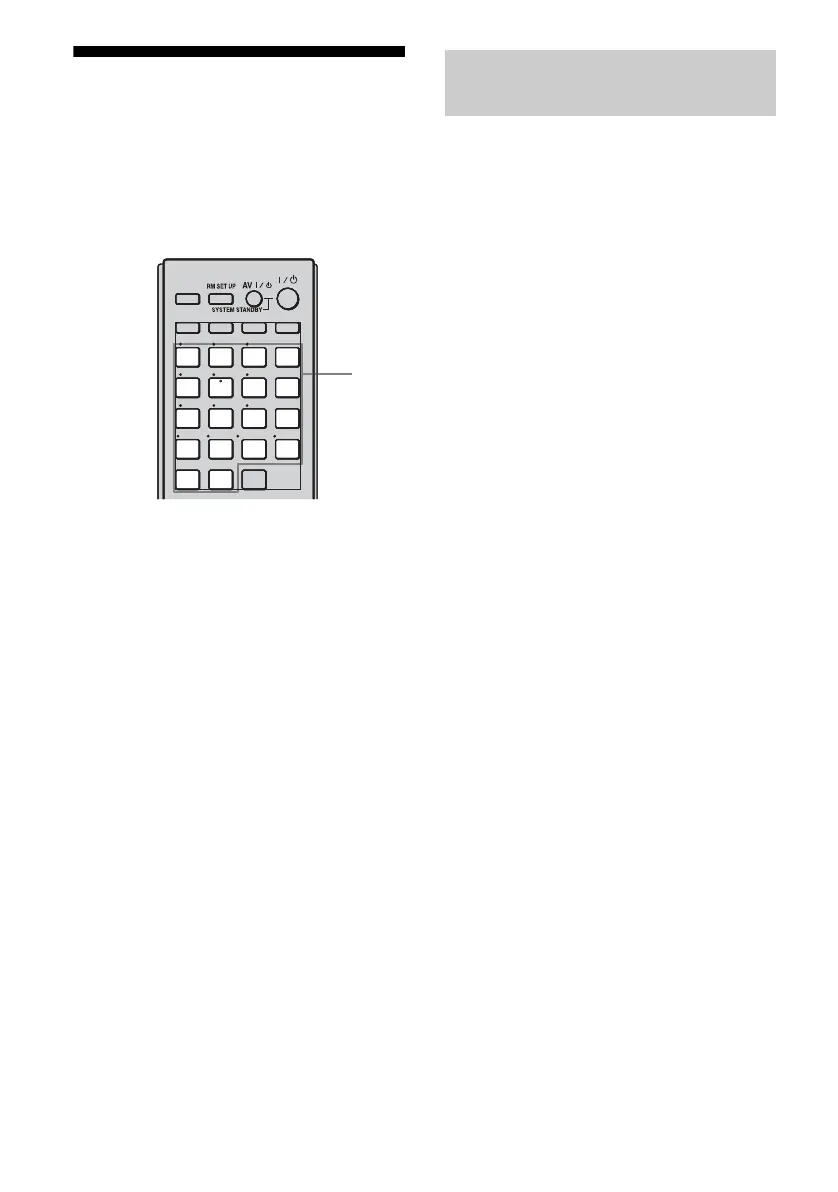
1 Press the input button of the
playback component.
You can also use INPUT SELECTOR on
the receiver.
2 Prepare the playback
component for playing.
For example, insert a CD into the CD
player.
3 Prepare the recording
component.
Insert a blank MD or tape into the
recording deck and adjust the recording
level.
4 Start recording on the
recording deck, then start
playback on the playback
component.
Notes
• Sound adjustments do not affect the signal output
from the MD/TAPE OUT jacks.
• The audio input signals from the MULTI
CHANNEL INPUT jacks are not output.
To record digital sound
Connect a component for playback to the
digital audio input (OPTICAL IN) jack, and
connect the recording component to the
OPTICAL MD/TAPE OUT jack.
SOURCE
SIRIUS
XM
HDMI2HDMI1 HDMI3 HDMI4
VIDEO2VIDEO1
BD DVD
PHONO
TUNER
MULTI
IN
DMPORT
TV
1
THEATER
2 3
456
789
-/--
0/10
ENT/MEM
CLEAR
D.TUNING
WIDE
TV INPUT
AMP
ZONE
TV
SHIFT
SAT
MD/
TAPE
SA
-
CD/
CD
2CH/
1
Recording onto a MiniDisc or
audio tape















 To Next Page