20
GB
4: Connecting the AC
power cord
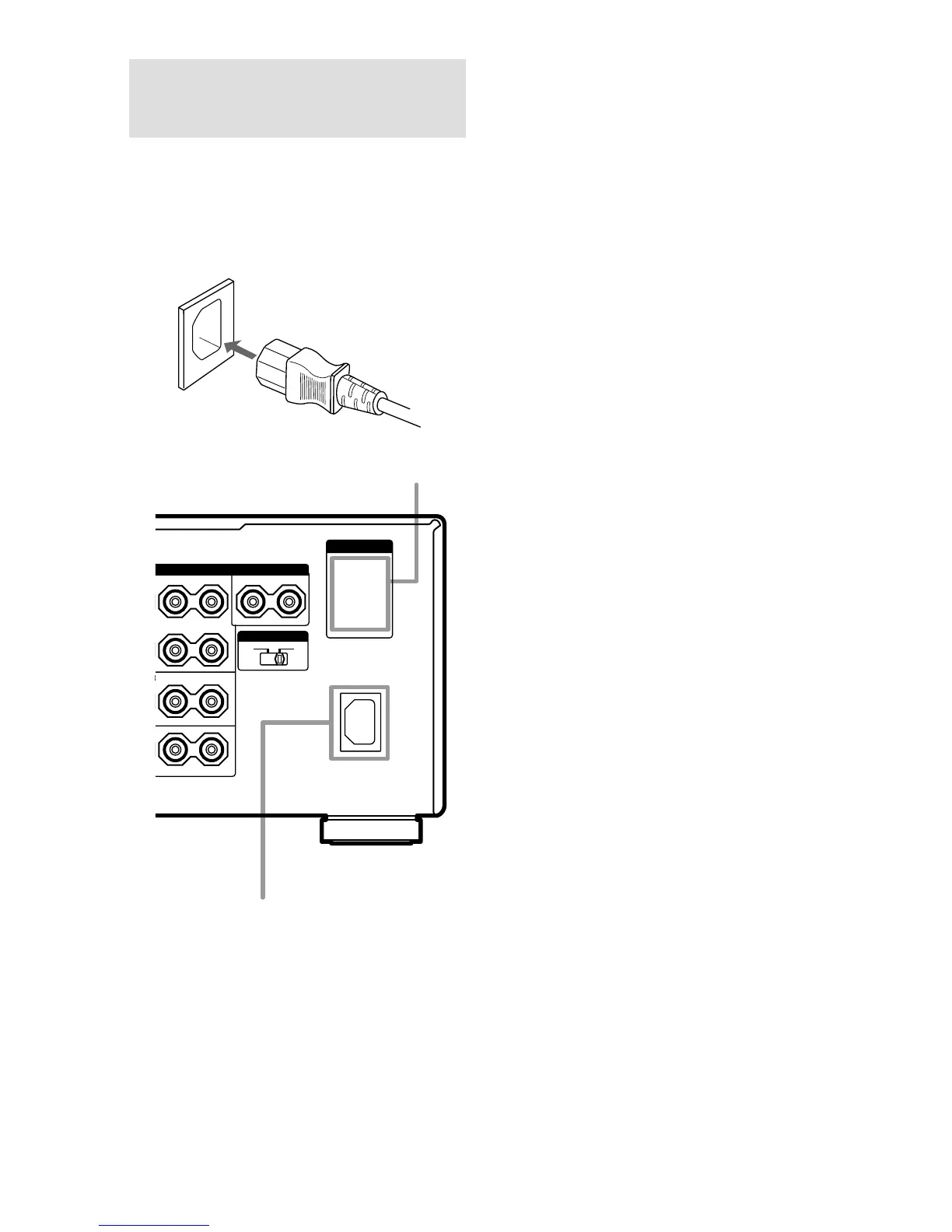
Connect the supplied AC power cord to the AC
IN terminal on the receiver, then connect the
AC power cord to a wall outlet.
You can connect up to two components to the
AC OUTLET(s) on the receiver.
AC IN terminal
AC power cord
(supplied)
Notes
• The AC OUTLET(s) on the rear of the receiver is a
switched outlet, which supplies power to the
connected component only while the receiver is
turned on.
• Make sure that the total power consumption of the
component(s) connected to the receiver’s AC
OUTLET(s) does not exceed the wattage stated on
the rear panel. Do not connect high-wattage
electrical home appliances such as electric irons,
fans, or TVs to this outlet. This may cause a
malfunction.
AC OUTLET
AC OUTLET
L
L
L
–
+
–
+
–
+
–
+
–
+















 To Next Page