12
GB
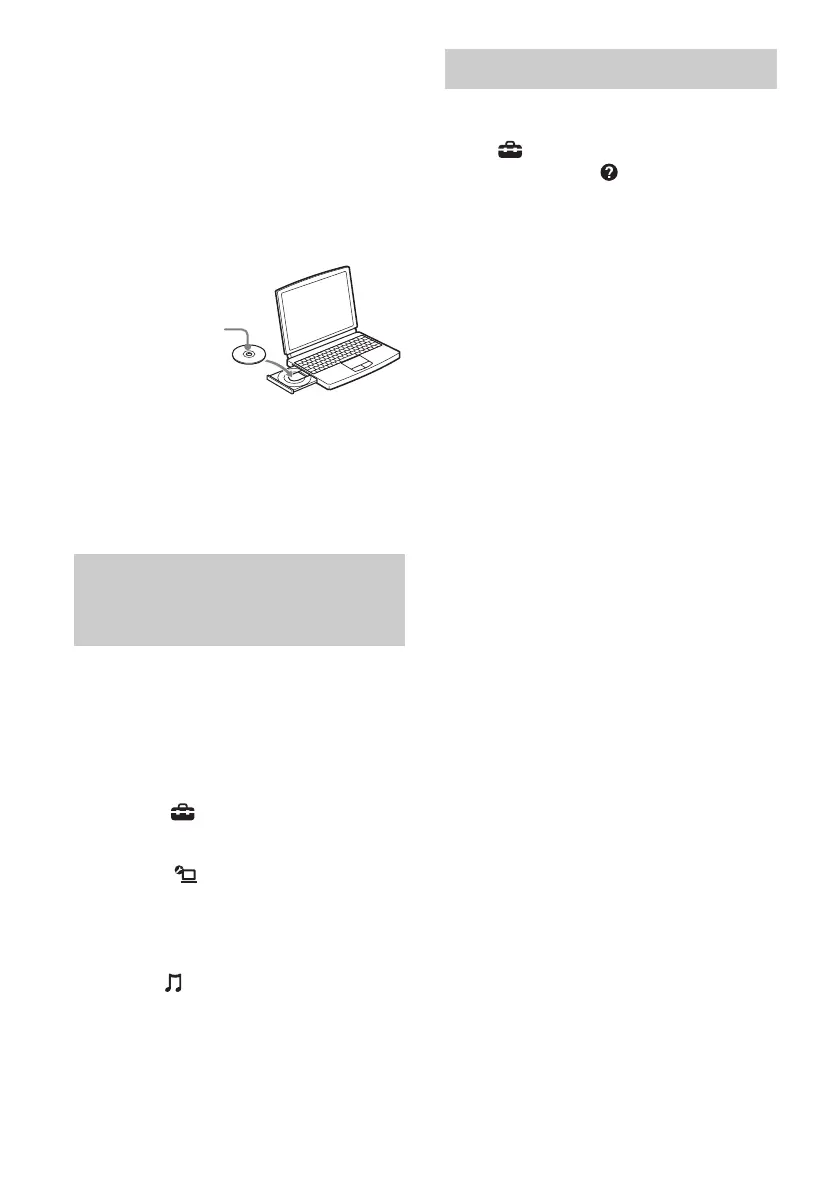
2 Insert the supplied CD-ROM
into the CD-ROM drive of your
computer.
The installation launcher starts
automatically, then a Software Setup
window appears on the screen.
If installation launcher does not start
automatically, double-click
“SetupLauncher.exe” on the disc.
3 Install the VAIO Media plus
application software following
the instructions given in the
message on the screen.
When you listen to the audio delivered from
the AV receiver, change the VAIO Media plus
view mode by following steps below (This
function is available only when the AV
receiver has a server function and that server
function has been turned on).
1 Click “ Settings” in the Home
Menu window.
2 Click “ General Settings.”
3 Click “Change Display.”
4 Select “Server Tree View.”
When “ Music” is selected in “Server
Tree View,” the AV receiver appears.
For VAIO Media plus operations, refer to the
help files.
Click “ Settings” in the Home Menu
window, then select “ Help” to display help
files.
Listening to the audio delivered
from the AV receiver using VAIO
Media plus
CD-ROM (VAIO Media
plus application
software) (supplied)
Referring to help files















 To Next Page