22
GB
Checking the network
settings
You can check the network settings of the
receiver using the Network settings menu.
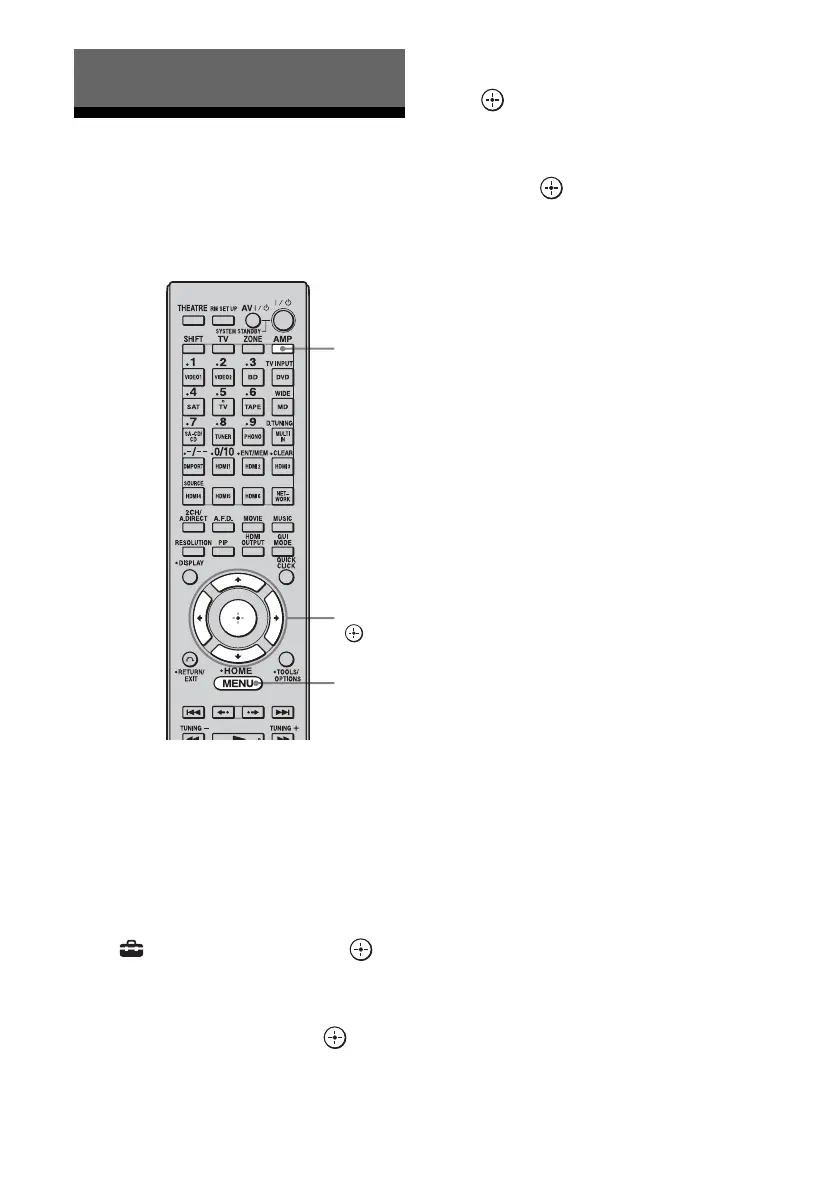
1 Press AMP.
The receiver can be operated using the
remote.
2 Press MENU.
The menu is displayed on the TV screen.
3 Press V/v repeatedly to select
“ Settings,” then press or
b.
4 Press V/v repeatedly to select
“Network,” then press or b.
5 Press V/v repeatedly to select
“Network Setup,” then press
.
6 Press V/v repeatedly to select
“Network Information,” then
press .
The network setting information of the
receiver is displayed on the TV screen.
Using Other Functions
AMP
V/v/b,
MENU















 To Next Page