14
GB
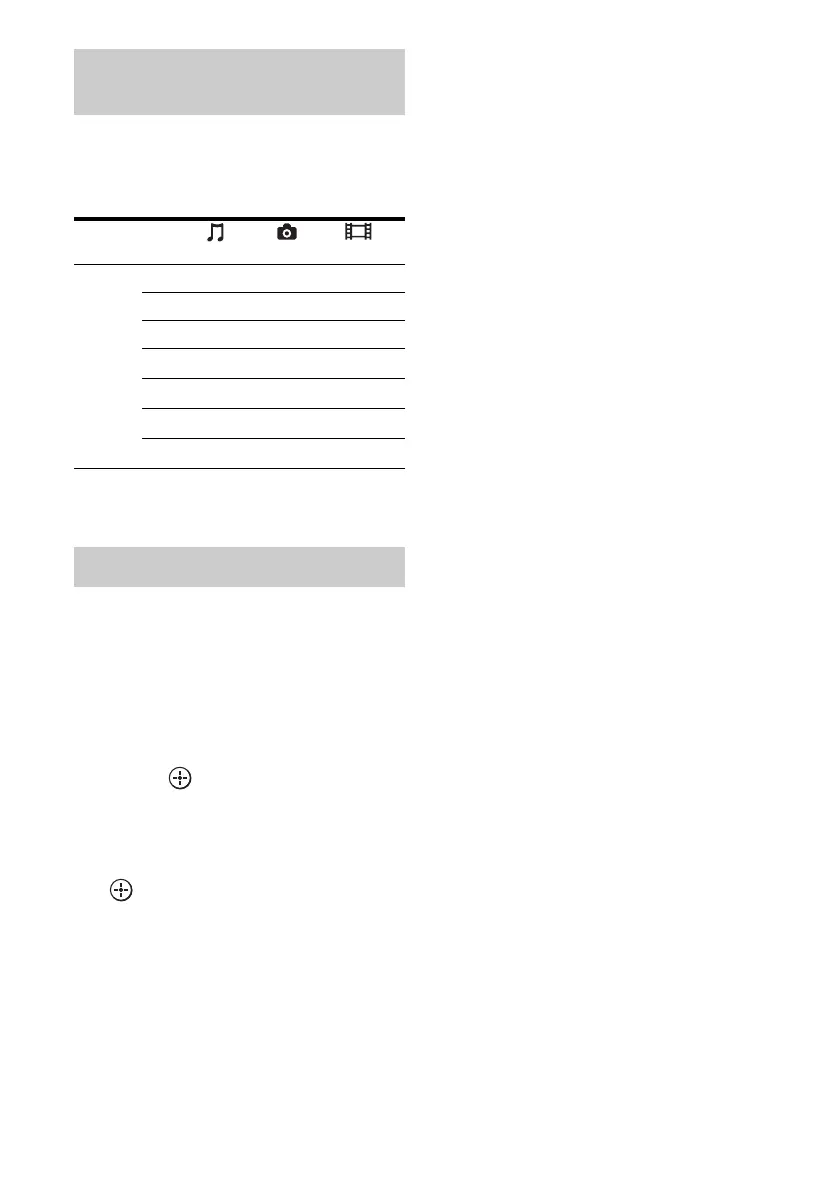
You can enjoy content on the server by using
the following buttons.
Press AMP to operate the receiver using the
remote.
* This button may not work depending on the
connected server or the content type.
You can select the playback mode of the Music
category.
1 Press OPTIONS while listening
to the music content.
2 Press V/v repeatedly to select
“Repeat,” or “Shuffle,” then
press .
3 Press V/v repeatedly to select
the mode you want to select
from the following, then press
.
x Repeat
Plays one or all the tracks repeatedly.
•Off
Deactivates the repeat play mode.
•One
Plays one track repeatedly.
•All
Plays all the tracks repeatedly.
x Shuffle
Plays all the tracks in random order.
•Off
Deactivates the shuffle play mode.
•On
Activates the shuffle play mode.
Using the remote to play back
content
Content
Type Music Photo Video
Remote
button
Nz z z
xz z z
Xz z z
>z z
.z z
Mz* z*
mz* z*
Selecting the playback mode















 To Next Page