EasyManua.ls Logo

Sony STR-DE405 - Service Safety Procedures; AC Leakage Test Guidelines

Sony STR-DE405
23 pages
Print Icon
To Next Page IconTo Next Page
To Previous Page IconTo Previous Page
Loading...
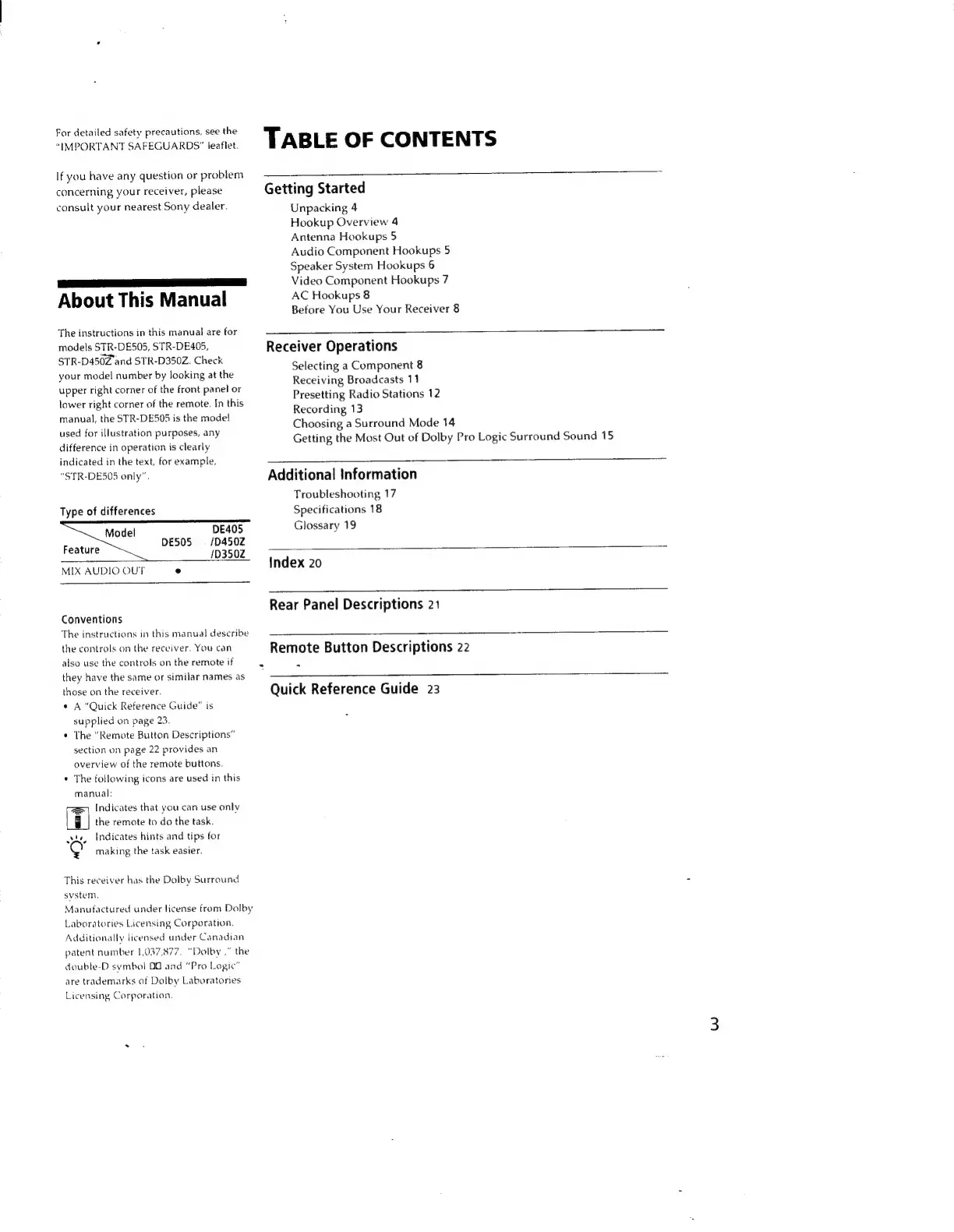
For
detailed
safety
precautions,
see
the
“IMPORTANT
SAFEGUARDS”
leaflet.
If
you
have
any
question
or
problem
concerning
your
receiver,
please
consult
your
nearest
Sony
dealer.
About
This
Manual
The
instructions
in
this
manual
are
for
models
STR-DE505,
STR-DE405,
STR-D450Z
and
STR-D350Z.
Check
your
model
number
by
looking
at
the
upper
right
corner
of
the
front
panel
or
lower
right
corner
of
the
remote.
In
this
manual,
the
STR-DE505
is
the
mode!
used
for
illustration
purposes,
any
difference
in
operation
is
clearly
indicated
in
the
text,
for
example,
“STR-DE505
only”.
Type
of
differences
Model
DE405
DE50S
=
/D4502
103502
Feature
MIX
AUDIO
OUT
e
Conventions
The
instructions
in
this
manual
describe
the
controls
on
the
receiver.
You
can
also
use
the
controls
on
the
remote
if
they
have
the
same
or
similar
names
as
those
on
the
receiver.
°
A
“Quick
Reference
Guide”
is
supplied
on
page
23.
The
“Remote
Button
Descriptions”
section
on
page
22
provides
an
overview
of
the
remote
buttons.
The
following
icons
are
used
in
this
manual:
Indicates
that
you
can use
only
the
remote
to
do
the
task.
Indicates
hints
and
tips
for
making
the
task
easier.
This
receiver
has
the
Dolby
Surround
system.
Manufactured
under
license
from
Dolby
Laboratories
Licensing
Corporation,
Additionally
licensed
under
Canadian
patent
number
1,037,877.
“Dolby
.”
the
double-D
symbol
OO
and
“Pro
Logic”
are
trademarks
of
Dalby
Laboratories
Licensing
Corporation,
TABLE
OF
CONTENTS
Getting
Started
Unpacking
4
Hookup
Overview
4
Antenna
Hookups
5
Audio
Component
Hookups
5
Speaker
System
Hookups
6
Video
Component
Hookups
7
AC
Hookups
8
Before
You
Use
Your
Receiver
8
Receiver
Operations
Selecting
a
Component
8
Receiving
Broadcasts
11
Presetting
Radio
Stations
12
Recording
13
Choosing
a
Surround
Mode
14
Getting
the
Most
Out
of
Dolby
Pro
Logic
Surround
Sound
15
Additional
Information
Troubleshooting
17
Specifications
18
Glossary
19
Index
20
EEE
EEE!
Rear
Panel
Descriptions
21
i
Remote
Button
Descriptions
22
ee
Quick
Reference
Guide
23