6
STR-DE485/DE485E
Operations
Using the Remote
RM-U306
45
GB
Except for STR-DE585 area code CA
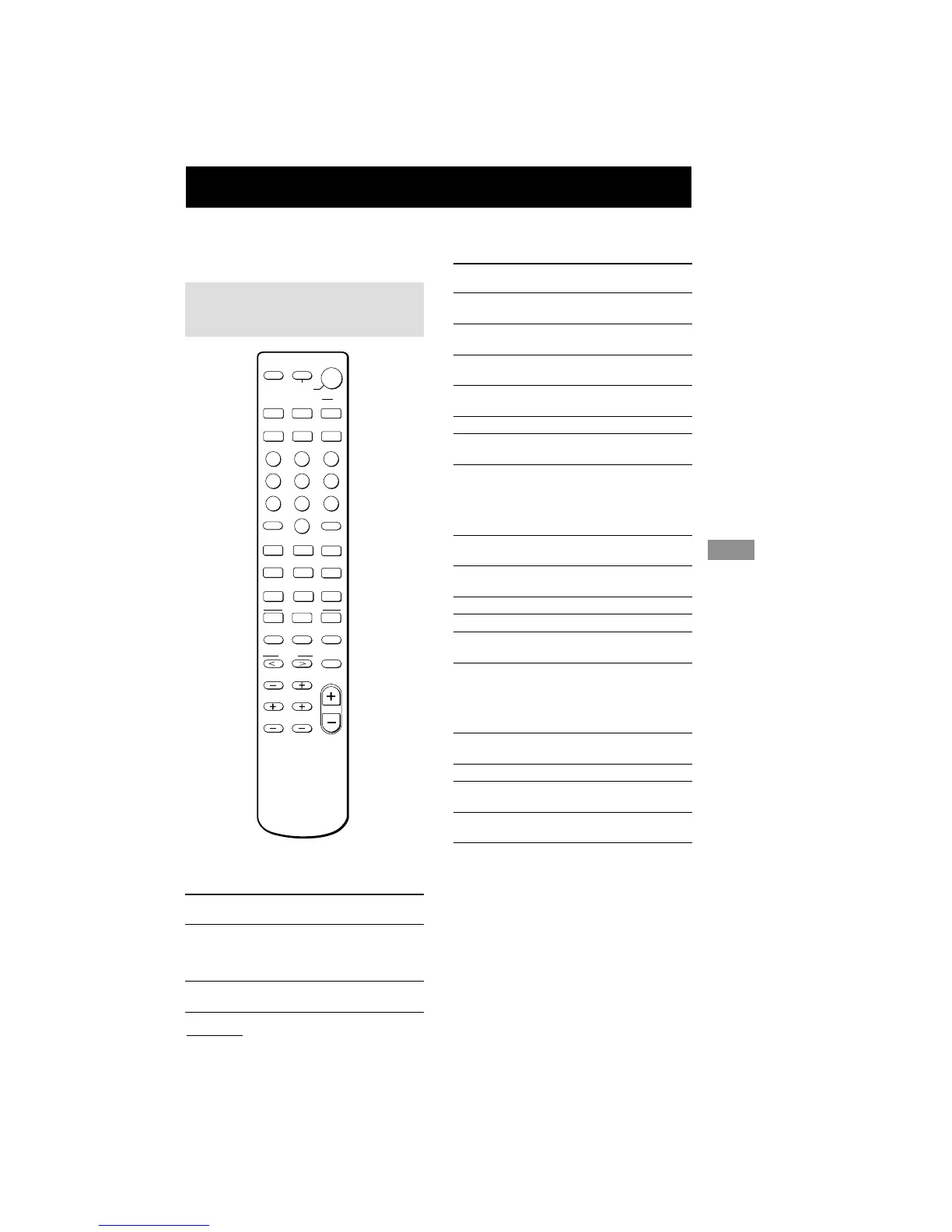
You can use the remote RM-U306 to operate
the components in your system.
Remote button
description
N
X
m
M
.
>
12 3
45 6
78
0
9
MD/TAPE CD TUNER
TV/VIDEO
VIDEO 2
VIDEO 1
DVD/LD
SYSTEM
STANDBY
>10
SHIFT
CH/PRESET
-
ANT
TV/VTR
SOUND FIELD
–
+
MASTER
VOL
TEST TONE MAIN MENU MULTI CH
ENTER
D.SKIP
A.DEC
2CH
MODE
D.TUNING
TOP MENU DVD MENU
ENTER
RETURN
f
F
G
g
SLEEP
AV
?/1
?/1
MENU
TV VOL TV CH
MUTING
O
x
Operations Using the Remote RM-U306
continued
The tables below show the settings of each
button.
Remote Operations Function
Button
SLEEP Receiver Activates the sleep
function and the duration
which the receiver turns
off automatically.
?/1 Receiver
Turns the receiver on or
off.
46
GB
Remote button description
(continued)
Remote Operations Function
Button
VIDEO 1 Receiver To watch VCR.
(VTR mode 3)
VIDEO 2 Receiver To watch VCR.
(VTR mode 1)
DVD/LD Receiver To watch DVD or laser
disc.
MD/TAPE Receiver To listen to Minidisc or
audio tape.
CD Receiver To listen to compact disc.
TUNER Receiver To listen to radio
programs.
SHIFT Receiver Press repeatedly to select
a memory page for
presetting radio stations
or tuning to preset
stations.
D.TUNING
Receiver Tuner station direct key-
in-mode.
A.DEC Receiver Select AUTO DECODE
mode.
MODE Receiver Selects sound field mode.
2CH Receiver Selects 2CH mode.
TEST Receiver Press to output test tone.
TONE
MAIN Receiver Press this button
MENU repeatedly to select one
of the four cursor modes:
SURR, LEVEL, SET UP
and NAME.
MULTI CH
Receiver Selects MULTI CH IN
source.
MENU </> Receiver Selects a menu item.
MENU +/– Receiver Makes adjustment or
change the setting.
MUTING Receiver
Mutes the sound from the
receiver.



 To Next Page