42
Additional Information
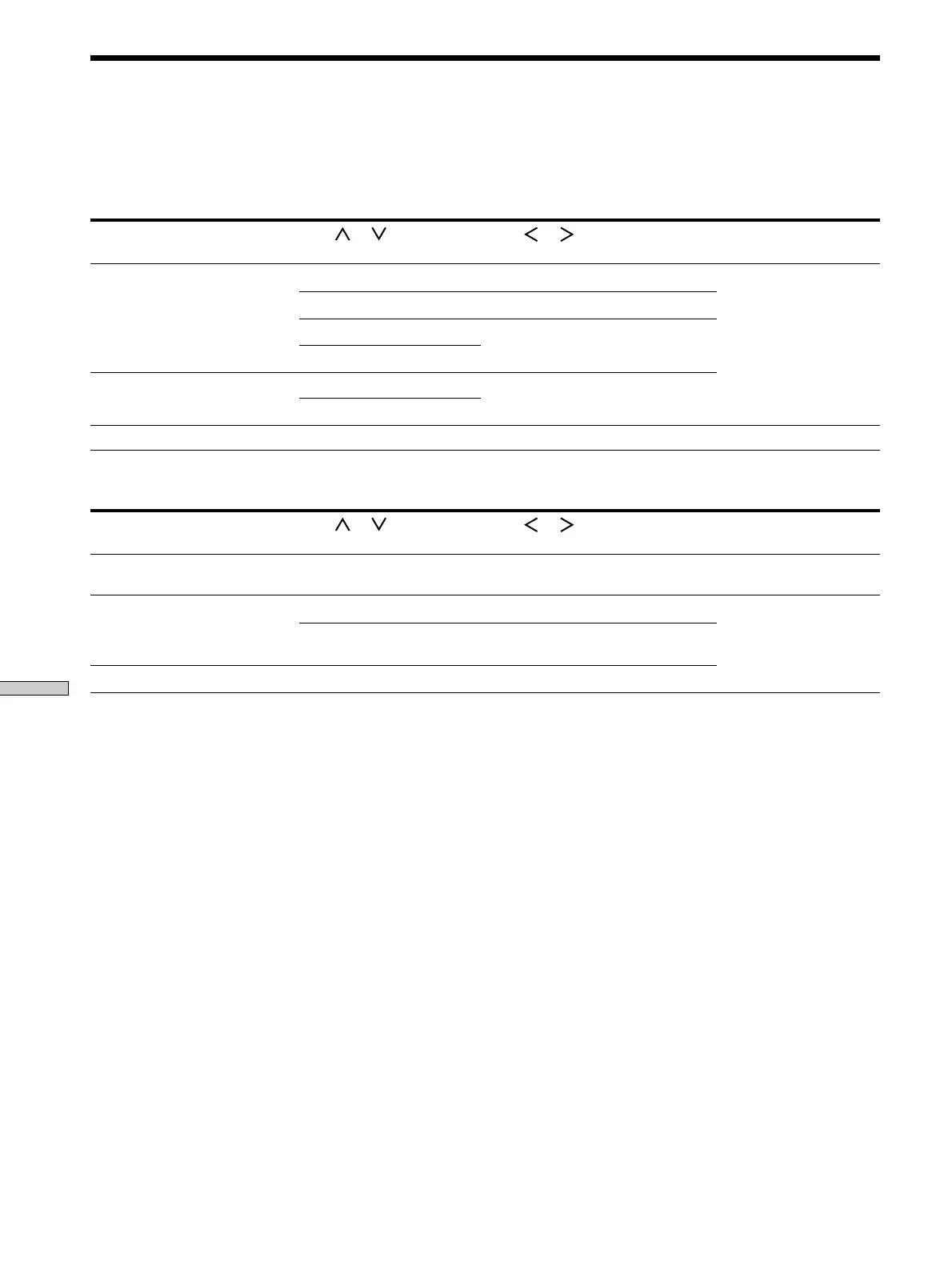
Tables of Settings Made Using the CURSOR MODE and SET
UP Buttons
A variety of settings can be made using the CURSOR MODE and SET UP buttons, in conjunction with the cursor buttons.
These settings are shown in the following tables.
Press CURSOR MODE repeatedly
to light up
Press
or to select Then or to select See page
SURROUND indicator DELAY 15, 20, or 30 ms 27
EFFECT among six levels of amount of effect
REAR LEVEL between –15 dB to +10 dB (in 1-dB
steps)
BASS/TREBLE indicator
BASS LEVEL
between –10 dB to +10 dB (in 2-dB
steps)
TREBLE LEVEL
INDEX indicator
Press SET UP repeatedly to
display
Press or to select Then or to select See page
CTR MODE — PHANTOM, 3CH LOGIC, NORMAL,
or WIDE
16
DSPL SET UP DIMMER among four levels of brightness 36
CTRL.A1 (USA, Canada, and
Australia only)
ON or OFF
REAR GAIN — GAIN UP or GAIN NORM
CENTER LEVEL
a character cursor position 34








 To Next Page