70
US
2 Tune in the station that you
want to preset using Automatic
Tuning (page 68) or Direct
Tuning (page 68).
Switch the FM reception mode, if
necessary (page 68).
3 Press SHIFT.
4 Press ENT/MEM.
You can also use MEMORY/ENTER on
the receiver.
“MEM” lights up for a few seconds.
Perform steps 5 and 6 before “MEM”
goes out.
5 Press the numeric buttons to
select a preset number.
You can also press PRESET + or
PRESET – to select a preset number.
If “MEM” goes out before you select the
preset number, start again from step 3.
6 Press ENT/MEM.
You can also use MEMORY/ENTER on
the receiver.
“MEM” lights off.
The station is stored as the selected preset
number.
7 Repeat steps 1 to 6 to preset
another station.
1 Press TUNER repeatedly to
select the FM or AM band.
2 Press PRESET + or PRESET –
repeatedly to select the preset
station you want.
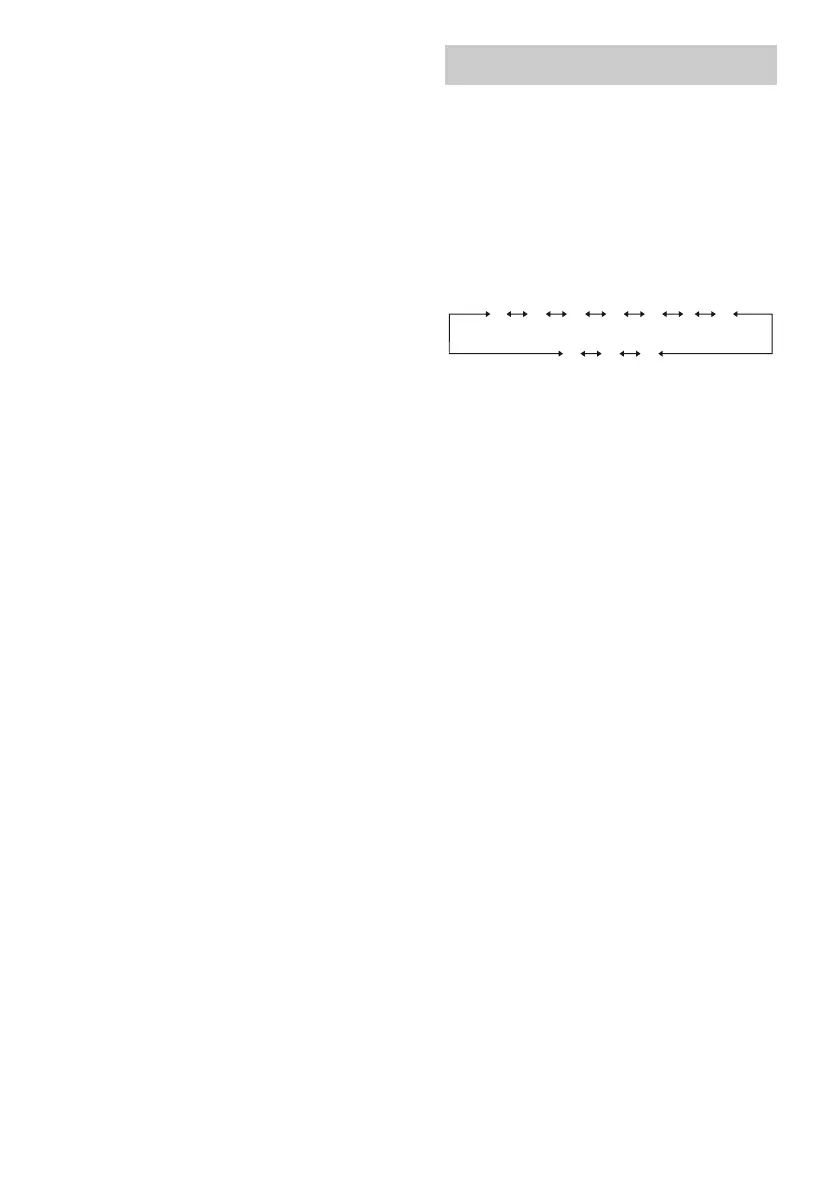
Each time you press the button, you can
select a preset station as follows:
You can also press SHIFT and then press
the numeric buttons to select the preset
station you want. Then, press ENT/MEM
to enter the selection.
Using the controls on the
receiver
1 Turn INPUT SELECTOR to select the FM
or AM band.
2 Press TUNING MODE repeatedly to select
“PRESET”.
3 Press TUNING + or TUNING – to select the
preset station you want.
Tuning to preset stations
1 2 345 27...
30 29 28















 To Next Page