91
US
Adjusting Settings
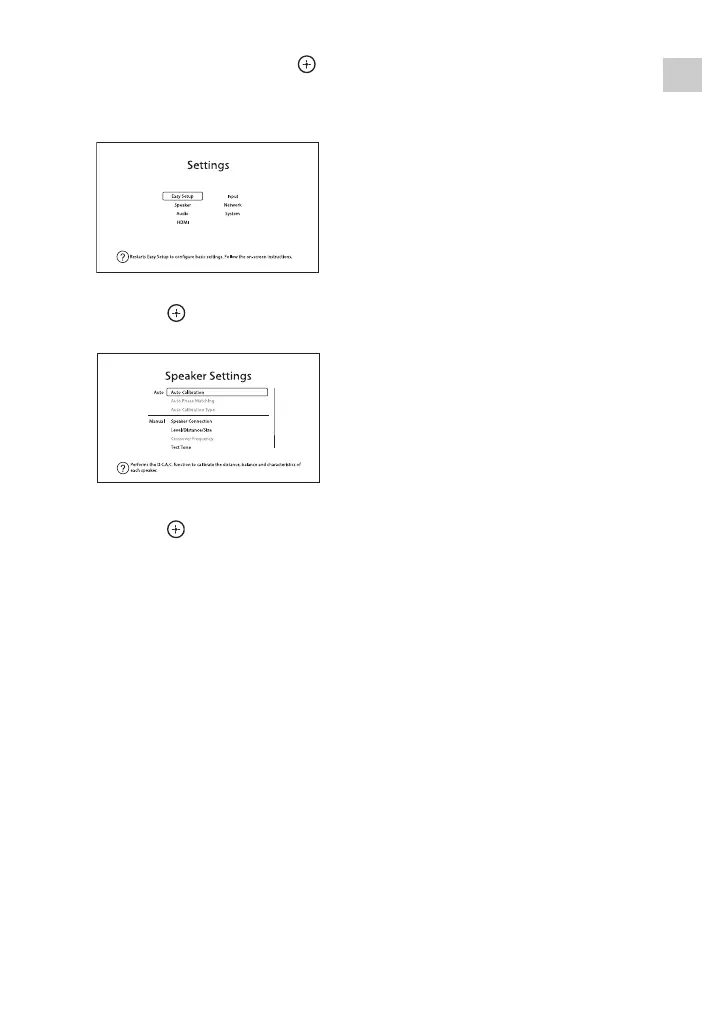
2 Select “Settings”, then press
to enter the menu mode.
The Settings menu list appears on the
TV screen.
3 Select the menu item you want,
then press .
Example: When you select “Speaker”.
4 Select the parameter you want,
then press .
To return to the previous
screen
Press RETURN O.
To exit the menu
Press HOME to display the home menu,
then press HOME again.



 To Next Page