3
Welcome!
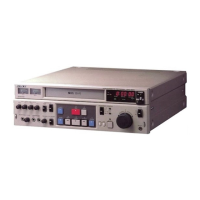
Thank you for purchasing the Sony Video
Cassette Player. Here are some of the features
you’ll enjoy with your Video Cassette Player:
• Optimum Picture Control automatically
optimizes playback performance.
• Automatic tracking function adjusts the
tracking condition for optimum picture.
• Auto head cleaner cleans the video heads
automatically each time a tape is loaded or
unloaded.
• Auto-repeat play function enables your
Video Cassette Player to play only the
recorded portion repeatedly.
• One time play function enables the VCP to
play the recorded portion of a tape once and
rewind the tape automatically to the
beginning.
• You can control the VCP with the supplied
remote commander remotely. You can also
use the optional remote control unit
connected to the CONTROL S IN jack as a
wired remote control.
Table of contents
4 Setting up the remote commander
5 Power Supply
6 Connecting the Video Cassette Player
7 Playing a tape
12 Troubleshooting
13 Specifications
14 Index to parts and controls
Back cover
Index



 To Next Page