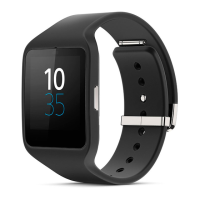
To disable the screen unlock PIN
1
From the Home screen, find and tap .
2
Find and tap Security > None.
3
Enter your PIN, then tap .
Resetting and restarting
You can reset your SmartWatch 2 to its factory default settings. This deletes all
personal data on your SmartWatch 2. This action is sometimes necessary if your
SmartWatch 2 stops functioning properly.
You can also force your SmartWatch 2 to shut down in situations where it hangs or
won't restart normally. When you restart your SmartWatch 2 after forcing it to shut
down, no settings or personal data is deleted.
To perform a factory data reset
1
From the Home screen, find and tap .
2
Find and tap Reset SmartWatch 2.
3
To confirm, tap .
To force your SmartWatch 2 to shut down
•
Press and hold down until your SmartWatch 2 turns off.
11
This is an Internet version of this publication. © Print only for private use.



 To Next Page