Adding features to your SmartWatch 2
Install additional applications for your SmartWatch 2 to add more features. For
example, you can use your SmartWatch 2 to control the music player in your
Android™ device.
To install an application from your Android™ device
1
Drag the status bar downwards, then tap SmartWatch 2.
2
Select an application in the list. To search for an application which is not in the
list, tap Search for applications, then follow the instructions that appear on the
screen.
3
When Google Play™ opens, tap install.
4
Follow the instructions that appear on the screen to install the application. An
icon of the application shows on the screen of SmartWatch 2 after the
installation is completed.
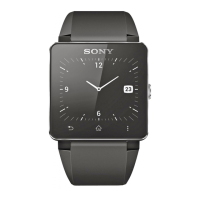
Wrist strap
You can use any standard 24 mm (0.9 inch) wrist strap with your SmartWatch 2.
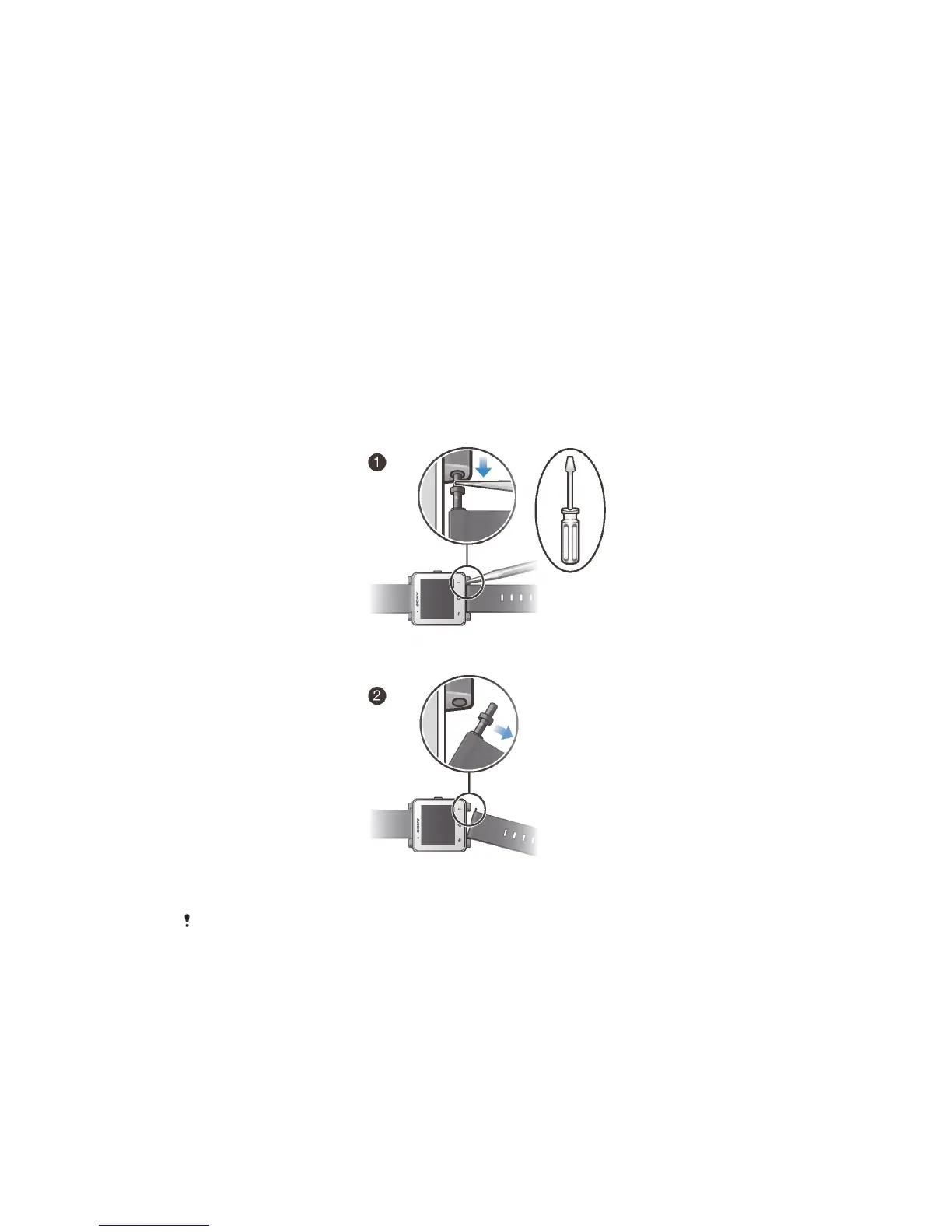
To change the wrist strap
•
Use a screwdriver to push down on the spring bars to detach and attach a
wrist strap.
Be careful that do not scratch your SmartWatch 2 when you are using a screwdriver.
6
This is an Internet version of this publication. © Print only for private use.


 To Next Page