Getting started
Introduction
With SmartWatch 2, you can keep track of what happens on your Android™ device
without taking it out of your pocket or bag. When a call, message or other notification
comes in, your SmartWatch 2 vibrates. When your SmartWatch 2 is not connected to
your Android™ device, SmartWatch 2 works as a regular watch, and some
applications on your SmartWatch 2 are still available.
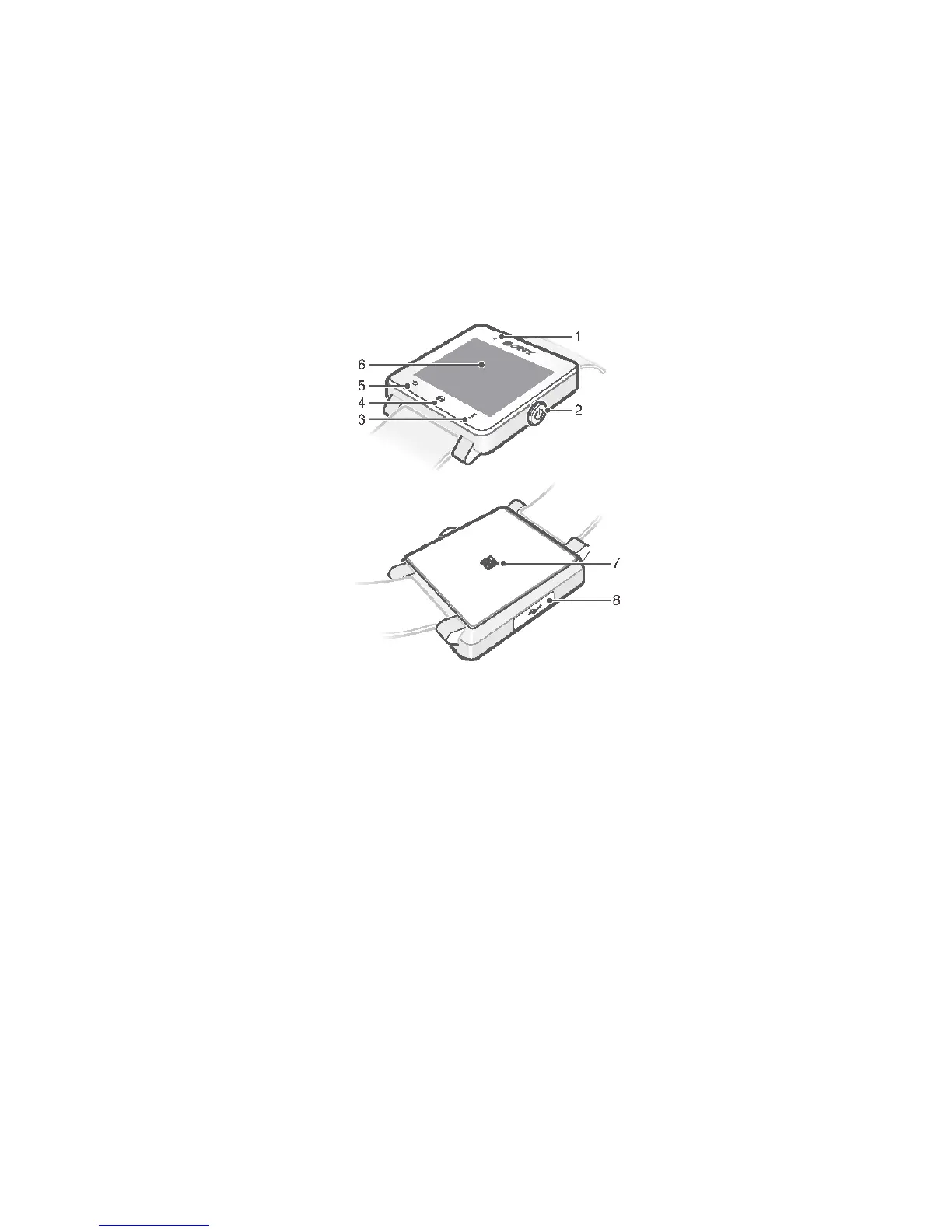
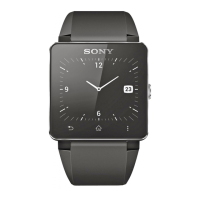
Overview
1. Light sensor
2. Power key
3. Actions key
4. Home key
5. Back key
6. Touchscreen
7. NFC detection area
8. Port for charger/USB cable
Charging
Before using your SmartWatch 2 for the first time, you need to charge it for
approximately 30 minutes. Sony chargers/USB cables are recommended.
3
This is an Internet version of this publication. © Print only for private use.


 To Next Page