To reject a call with a predefined message
1
When a call arrives, tap Reject with message.
2
Select a message, then tap .
Ongoing calls
To change the ear speaker volume during a call
•
Tap or .
Using the call log
You can use the call log to check your missed, received and dialled calls, and to
call the listed numbers directly.
Call log icons
Missed call
Received call
Dialled call
To view your call log
1
From the Home screen, find and tap
.
2
Tap .
To call a number from your call log
1
From the Home screen, find and tap .
2
Tap , then select the number that you want to call.
3
Tap > .
Messaging
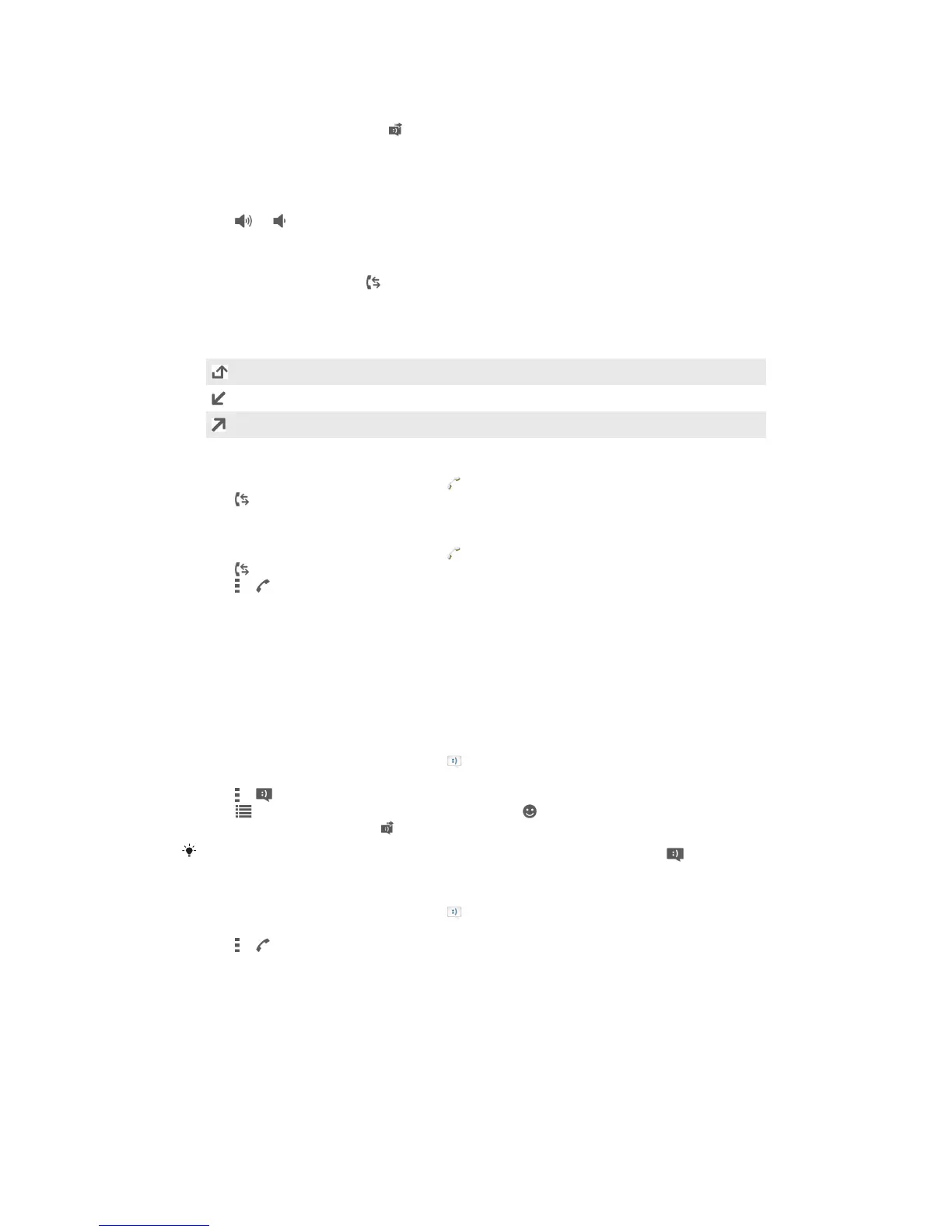
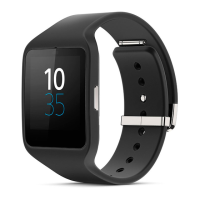
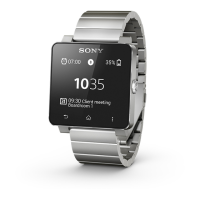
To read your text messages on your SmartWatch 2, you need to install the
Messaging application for SmartWatch 2. See Adding features to your SmartWatch 2
on page 6. You can also use SmartWatch 2 to initiate a call to the sender, or to reply
with a predefined message or emoticons.
To reply to a message
1
From the Home screen, find and tap .
2
Tap the message that you want to reply.
3
Tap > .
4
Tap and select a predefined message, or tap and select a smiley.
5
To send the message, tap .
In step 2 and 3, you can also touch and hold the message in the list, then tap
.
To call a message sender
1
From the Home screen, find and tap .
2
Tap the message that you want to reply with a call.
3
Tap > .
Music
Once you've installed the Music application for your SmartWatch 2, you can use
SmartWatch 2 to control most music player applications in different Android™
devices. See Adding features to your SmartWatch 2 on page 6.
13
This is an Internet version of this publication. © Print only for private use.


 To Next Page