23
Using Basic Functions
Setting Up the TV
After you have finished connecting your TV, you can use Auto Program to set up your
channels. During Auto Program, the TV will automatically search for available channels and
program receivable channels.
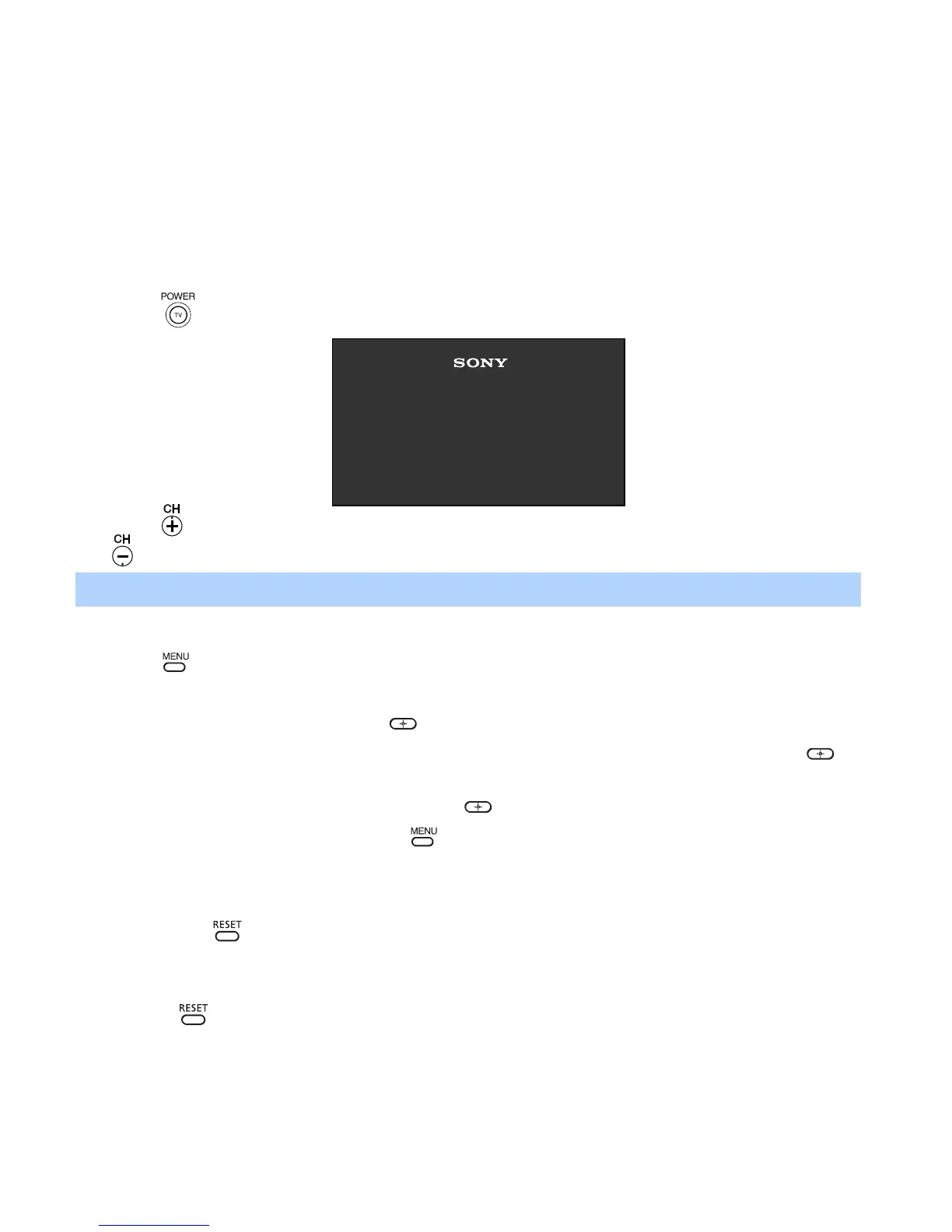
1 Press to turn on the TV. The Initial Setup screen appears.
2 Press on the remote control or on the TV front panel to start Auto Program, or press
to exit.
To perform Auto Program again
1 Press .
2 Press g to highlight Channel Setup Menu.
3 Press f to highlight Cable. Press to select.
4 Press F or f to highlight On or Off according to how you connected your TV. Press to
select.
5 Press f to highlight Auto Program. Press to search for channels.
6 After Auto Program finishes, press to exit.
To reset the TV to factory settings
1 Turn the TV on.
2 Hold down on the remote control.
3 Press and release the POWER button on the TV front panel. The TV will turn itself off,
then back on.
4 Release .
✍ The Initial Setup screen appears each time you turn on the TV until you perform Auto Program.
Initial Setup
Auto Program:
[CH+]
[CH–]
First please connect
cable/antenna
Exit:
01US01COV-BR2.book Page 23 Tuesday, February 4, 2003 11:51 AM







 To Next Page