27
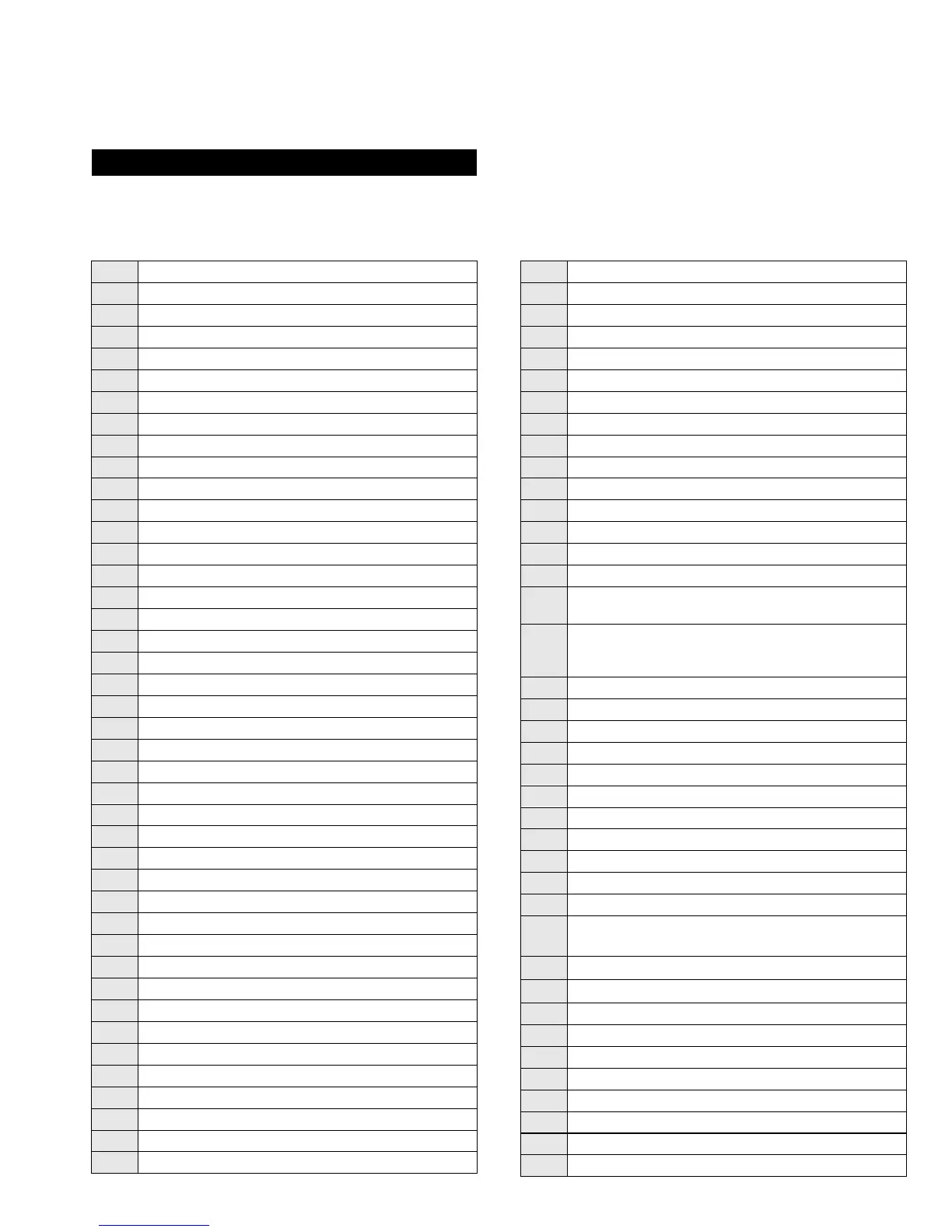
4-2. ‘TT’ TEST MODE :
00 Cancel Test mode
01 Picture Maximum
02 Picture Minimum
03 Volume & Headphone Volume 35%
04 Volume & Headphone Volume 50%
05 Volume & Headphone Volume 65%
06 Volume & Headphone Volume 80%
07 Ageing mode Enable/Disable
08 Shipping Condition
09 Display TV status
10 No function
11 Sub Picture adjustment
12 Sub Colour adjustment
13 Sub Brightness adjustment
14 Text H-Position adjustment
15 Rotation Test
16 No function
17 No function
18 No function
19 No function
20 No function
21 Destination A/D (East Menu/West Text)
22 Destination L (West Menu/West Text)
23 Destination E (West Menu/West Text)
24 Destination U (West Menu/ West Text)
25 Destination D (East Menu/Greek Text)
26 Destination B (East Menu/West Text)
27 Destination K (East Menu/East Text)
28 Destination R (Russian Menu/Russian Text)
29 No function
30 No function
31 Toggle Auto Shutoff Disable
32 Toggle Bit Error Rate Display
33 Toggle Terminal Debug Mode
34 No function
35 No function
36 No function
37 No function
38 Default Dynamic Convergence Settings
39 No function
40 No function
41 Re-initialize the NVM
42 Re-initialise geometry settings
43 Default Programme info in NVM with factory settings
44 Default favourite pages to 100,101,102 and 103
45 Switch off all Parental locks
46 No function
47 Default MSP settings
48 Set NVM as Non-virgin
49 Set NVM as virgin
50 No function
51 Dolby Pro-Logic On, Volume 90%
52 Noise On Left Speaker
53 Noise On Right Speaker Only
54 Noise On Centre Speaker Only
55 Noise On Surround Speaker Only
56 Set Colour to Minimum and Picture to Maximum
57 Set Colour and Picture to Minimum and Adjust
Sub-Brightness
58
-
60
No function
61 N-board Reset
62 Toggle the 3.3v regulator on A2-board
63 Toggle Attenuation switch on Port Expander
64 Smart Link Test- Toggle the Smart Link pin 50 times
65 No function
66 No function
67 No function
68 Pre-set AV Labels
69 No function
70 No function
71 Select Compact Text/Compact Text-2
72
Balance Left/Right (press
key for balance left,
for balance right, and
for centre balance)
73
Dual Sound Headphones (
key for A,
key for B)
74
Dual Sound Speakers (
key for A,
key for B)
75 DSP Bypass
76 Dolby Enabled/Disabled toggle
77 Setup trap switch
78 Set Screen Size
79 Wide Setup
80 No function
81 Velocity Mod ON
82 Velocity Mod OFF
‘TT’ Mode is available by pressing the Test key twice. It is exited by pressing 0 twice, or by pressing the Test key, or by pressing the TV key, or by
pressing the TV key, or by switching the set into standby.
The functions described below are available by pressing 2 digits:




 To Next Page