23
Menu Adjustment
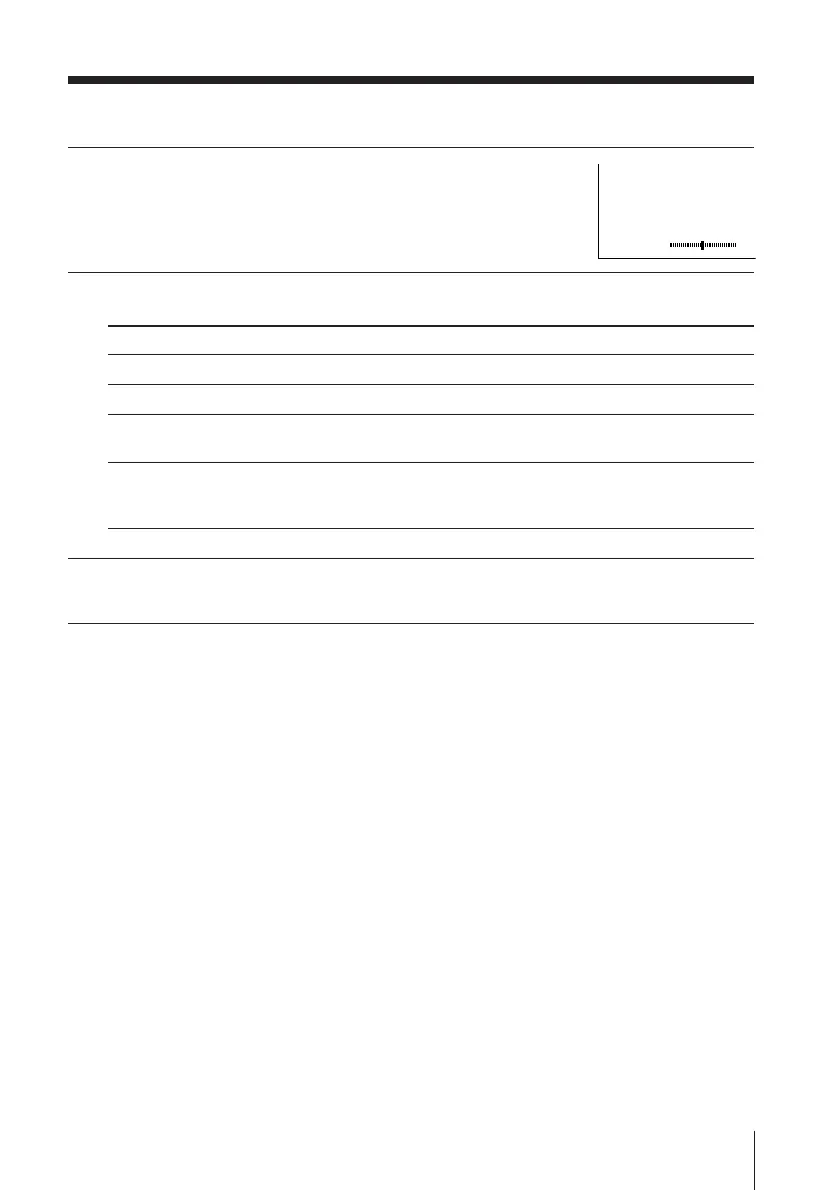
Adjusting the “ADJUST” items under “SOUND MODE”
1
Press V or v to select
the desired item (e.g., “BALANCE”),
then press ENTER.
2
Adjust the value according to the following table, then press ENTER .
3
Repeat the above steps to adjust other items.
The adjusted settings will be received when you select “PERSONAL”.
BALANCE
00
For
“BASS”
“TREBLE”
“BALANCE”
“BBE”
Press v or B to Press V or b to
decrease the bass. increase the bass.
decrease the treble. increase the treble.
increase the left speaker’s increase the right speaker’s volume.
volume.
select “HIGH” for higher enhancement of sound clarity;
select “LOW” for lower enhancement of sound clarity;
select “OFF” to cancel BBE sound.












 To Next Page