32 Additional Information
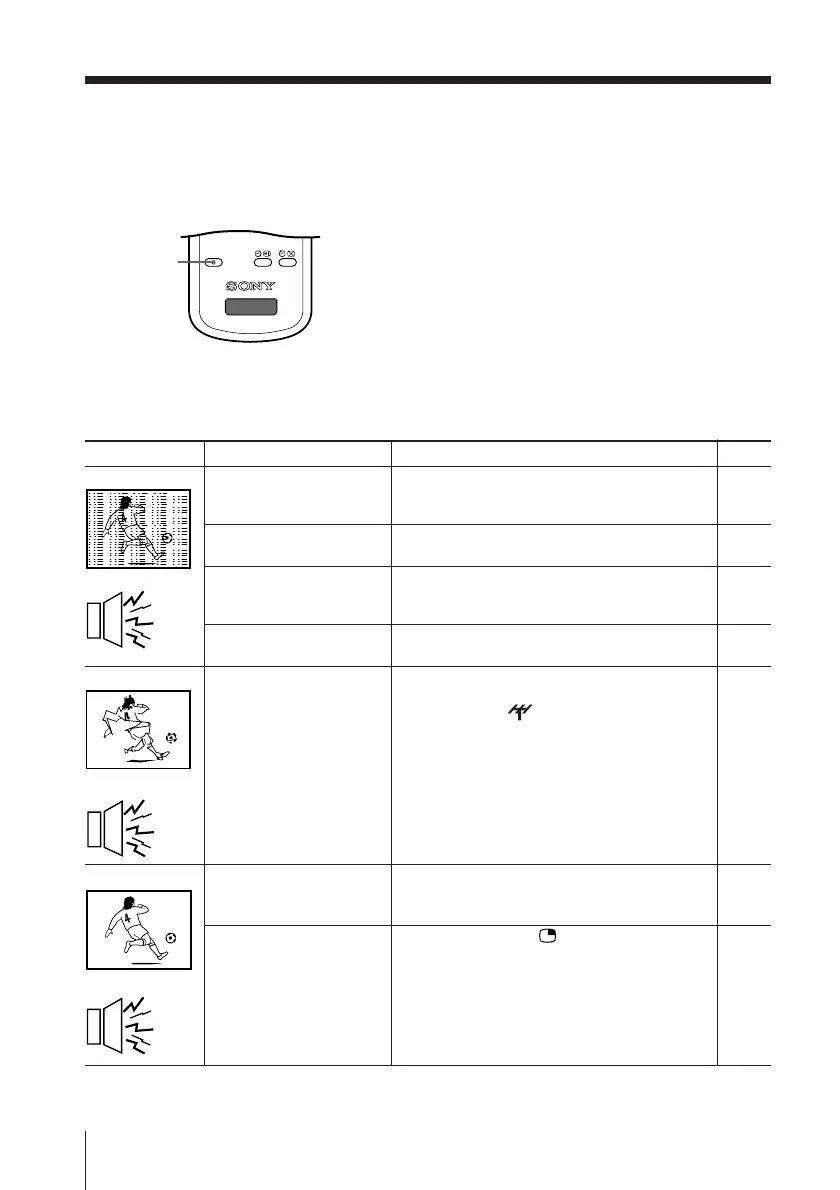
Snowy picture
Noisy sound
Distorted picture
Noisy sound
Good picture
Noisy sound
• Check the antenna cable and connection
on the TV, VCR and at the wall.
• Check the antenna setup.
Contact a Sony dealer for advice.
• Display the “CH PRESET” menu and
select “MANUAL PROGRAM” to preset
the channel again.
• Try using a booster.
• Display the “CH PRESET” menu and
select “MANUAL PROGRAM”.
Then, select “ SENS: LOW”.
• Turn off or disconnect the booster if it is in
use.
• Display the “CH PRESET” menu and
select the appropriate TV system
(“TV SYS”).
• Press SOUND or .
Possible cause
Symptom
Solutions
• The connection is loose
or the cable is
damaged.
• The antenna setup is
inappropriate.
• Channel presetting is
inappropriate or
incomplete.
• Signal transmission is
low.
• Broadcast signals are
too strong.
• The TV system setting
is inappropriate.
• PIP sound is selected
when PIP is displayed.
x Troubleshooting
If you have any problem while viewing your TV, you can
either use the Reset
function or
check the Troubleshooting guide below. If the problem persists,
contact your Sony dealer.
Reset function
Press the RESET button on your remote control.
Your TV will go blank for about half a second
then the picture will reappear with “RESET”
displayed on your TV screen for about 10 seconds.
Pressing RESET will set your TV to the factory
setting, but certain problems may be solved.
Troubleshooting guide
Page
30
–
28
–
29
–
28
13
RESET
TV
RESET












 To Next Page