6 Installation
Installation
x Getting Started
UP
INITIAL SET
ENG ILSHLAN UGAGE
:
b
b
1
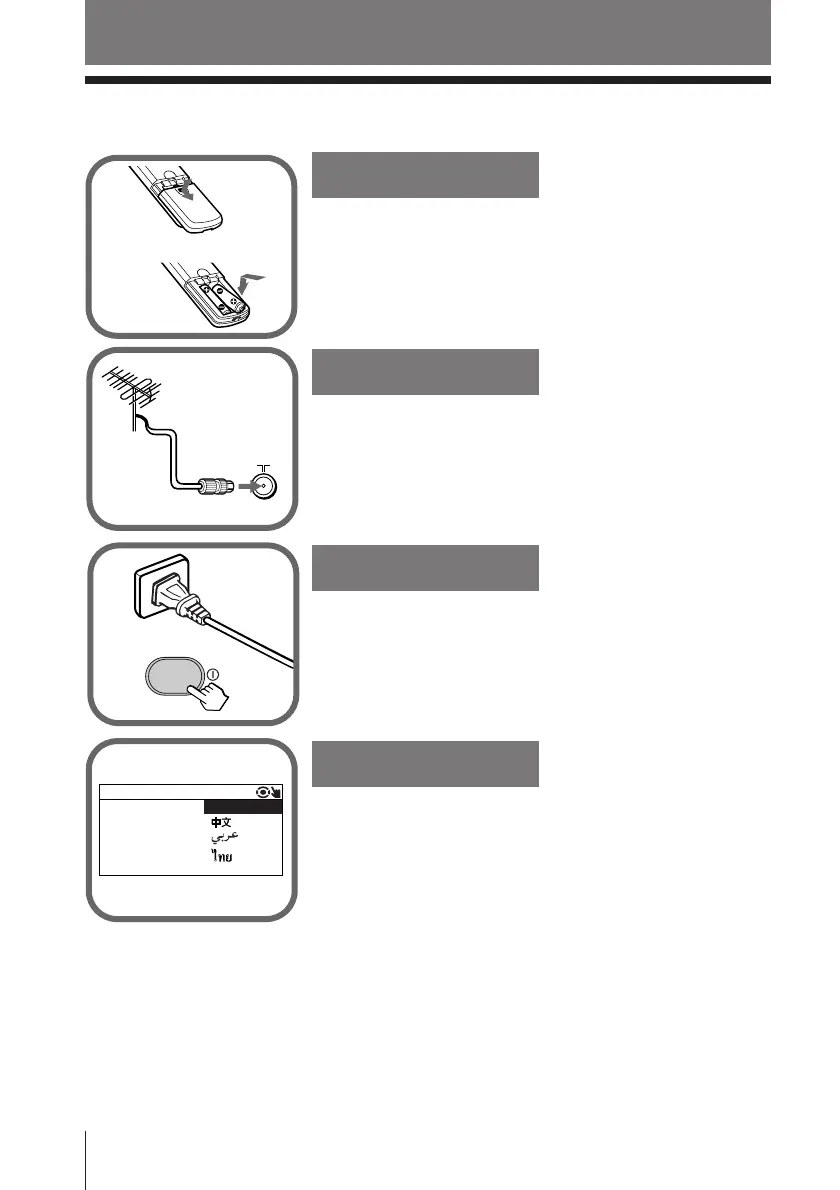
Step 1
Insert the batteries (supplied) into the remote.
Note
• Do not use old or different types of batteries together.
Step 2
Step 3
Step 4
Set up the TV by following the instructions of the
“INITIAL SETUP”menu (see page 7).
Plug in the power cord, then press ! on the TV to
turn it on.
Connect the antenna cable (not supplied) to 8
(antenna input) at the rear of the TV.
Tip
• You can also connect your TV to other optional components
(see page 30).












 To Next Page