9
Using Your New TV
Using Your New TV
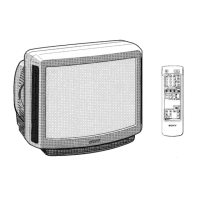
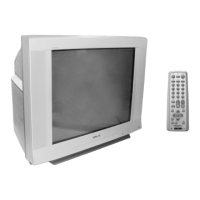
Watching the TV
This section explains functions and
operations used while watching TV.
Most operations can be done using the
remote.
1
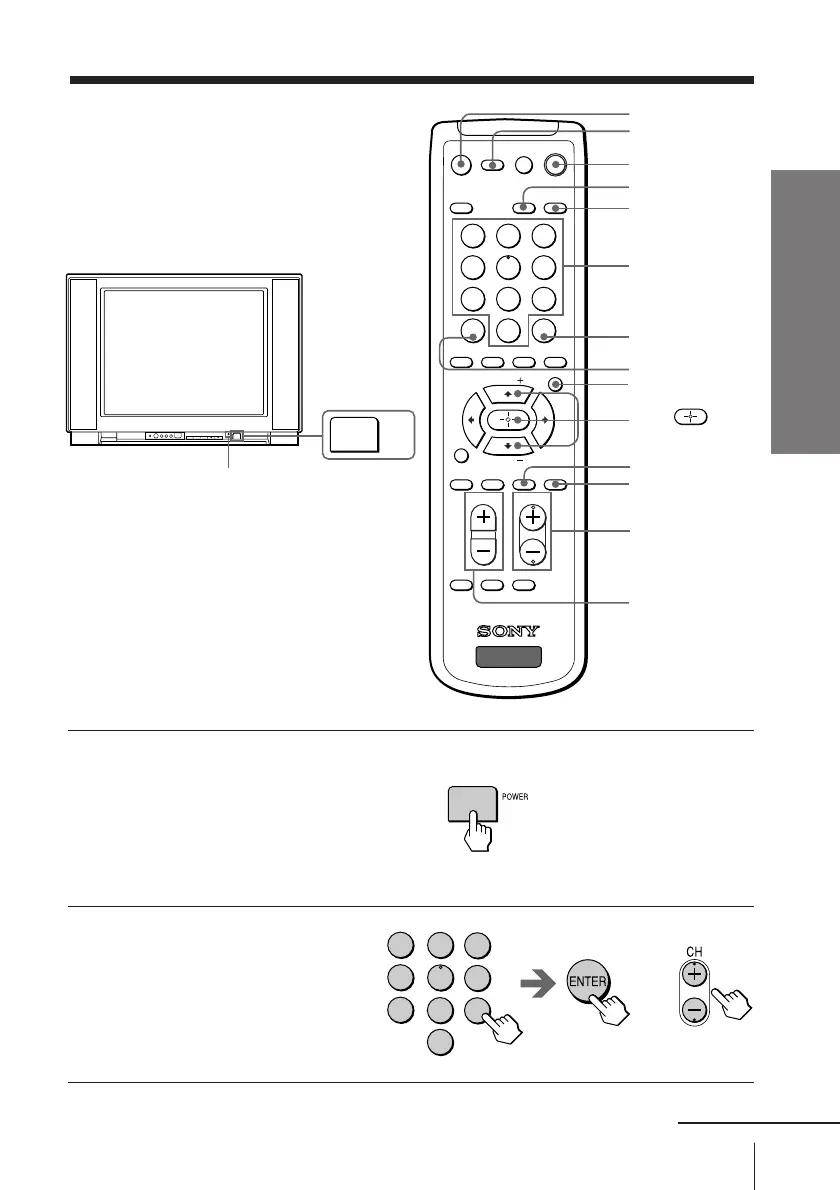
Press POWER on the TV to
turn on the TV.
When the TV is in the standby
mode (the STANDBY indicator
on the TV is lit red), press
POWER on the remote or
CHANNEL +/– on the TV.
2
To select the TV program,
press the number buttons
and then press ENTER, or
press CH +/–.
MUTING
DISPLAY
STANDBY indicator
POWER
TV
Number
buttons
or
231
564
897
0
ENTER
JUMP
MUTING
MTS VIDEO
PIC
MODE
TV/VIDEO FREEZE SWAP PIP
TV
DISPLAY POWER
CHVOL
MENU
FAVORITE
SURROUND
AUTO PROGR ADD/ERASECABLE
WAKE UP
SOUND
MODE
TV
PIP CH
PIP CH
SLEEP
POWER
VIDEO
JUMP
SLEEP
CH +/–
V/v/
WAKE UP
VOL +/–
MENU
ENTER
1
4
7
2
5
8
0
3
6
9
continued



 To Next Page