Getting Started
Loading Paper in the Unit
11
UP-970AD
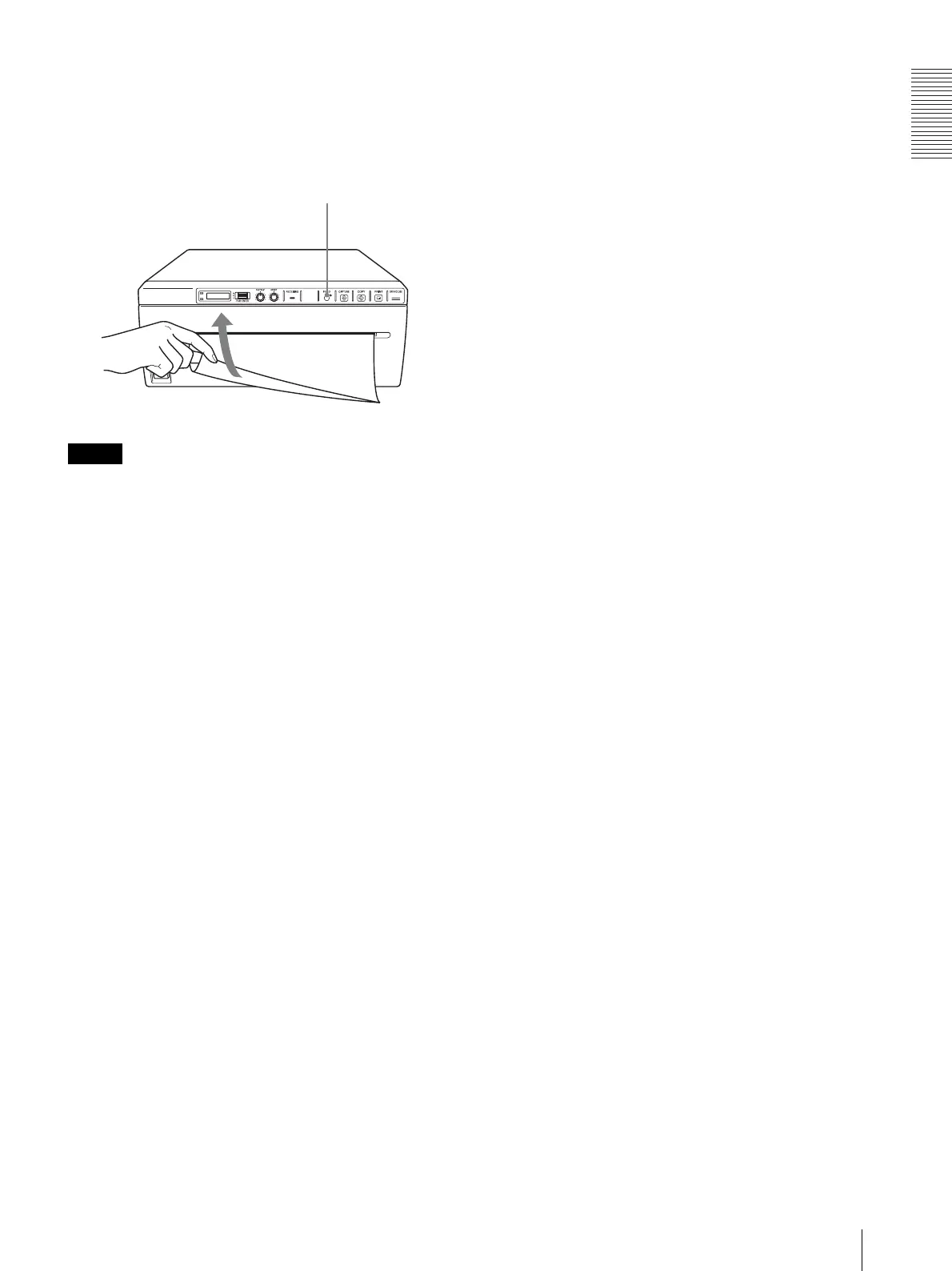
After loading paper, press the FEED button to feed
out 15 to 20 cm (6 to 8 inches) of paper. Then use
the paper cutter to remove it. Be careful not to touch
the paper cutter when cutting the paper.
Note
To use UPT-210BL after printing with UPP-210SE/HD,
clean the head before printing as fine horizontal stripes
may otherwise appear on the paper.
FEED Button



 To Next Page