106
nN
Upgrading Your VAIO Computer >
Adding and Removing Memory
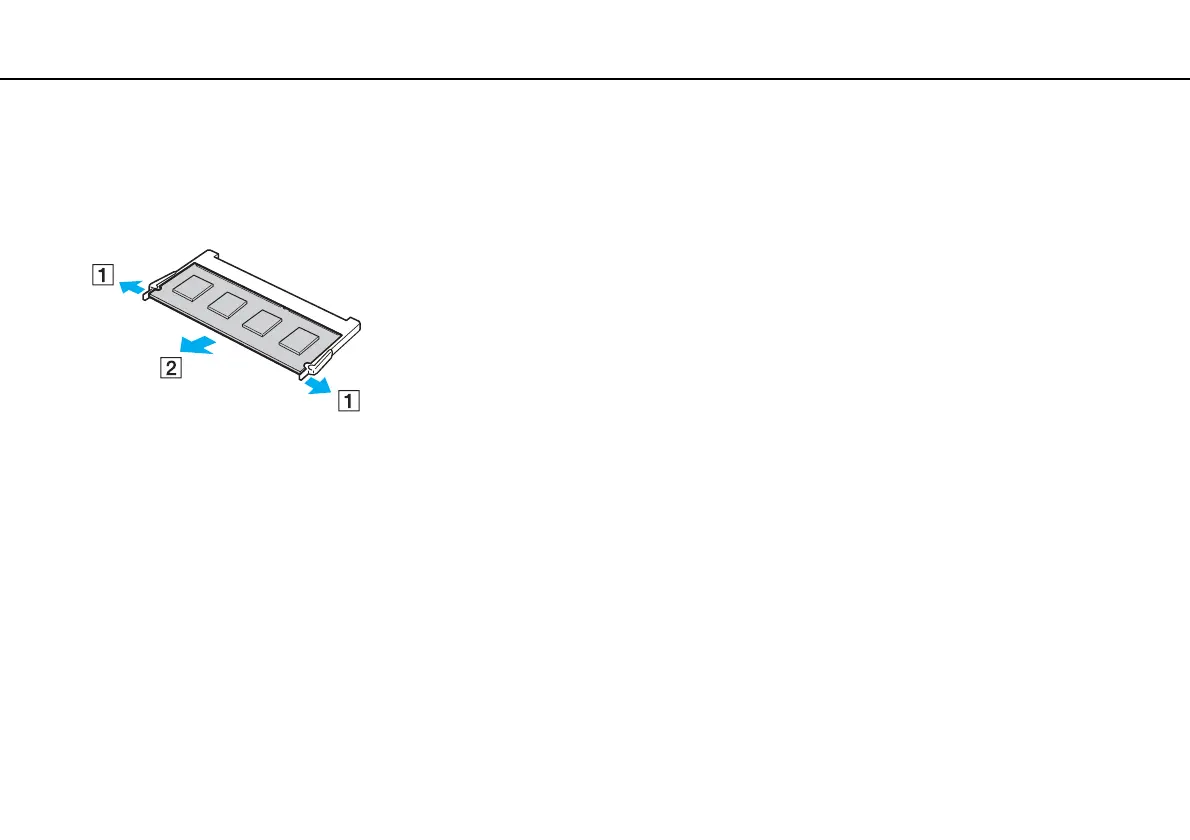
6 Remove the currently installed memory module as follows:
❑ Pull the latches in the direction of the arrows (1).
The memory module is released.
❑ Make sure that the memory module tilts up and then pull it out in the direction of the arrow (2).
7 Remove the new memory module from its packaging.



 To Next Page