13
Projecting an Image
Projecting an Image
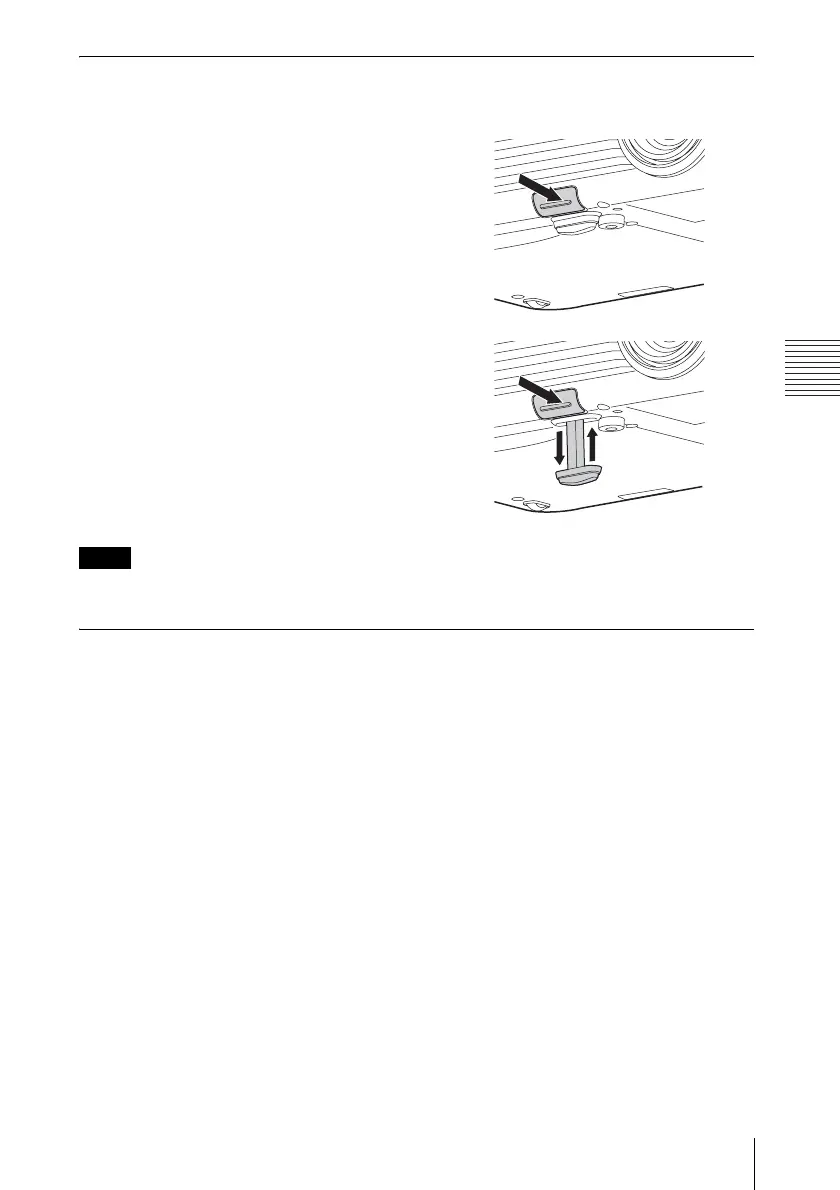
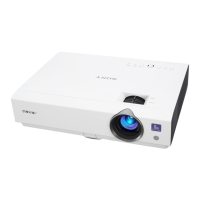
Adjusting with the foot adjust button
You can adjust the position of the projected image by tilting the projector with the foot adjust
button.
1 Press and hold the foot adjust button,
then lift up the front of the projector to
adjust the angle.
2
When the desired angle is achieved,
release the foot adjust button to lock the
position.
• Be careful not to let the projector down on your fingers.
• Do not push hard on the top of the projector with the front foot (adjustable) extended.
Changing the aspect ratio of the projected image
Press the ASPECT key on the remote commander to change the aspect ratio of the projected
image. You can also change the setting in Aspect of the Screen menu (pages 19, 21).
Notes


 To Next Page