18
Installing the Projector / Connecting the Projector
B Projecting the Picture
Installing the
Projector
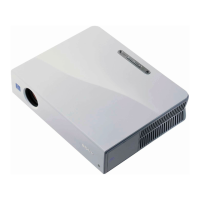
This unit can be operated on a floor or
desktop (floor installation), but also can be
suspended from a ceiling with a dedicated
mounting device (ceiling installation).
For details, see “Installation Diagram” on
page 52.
Connecting the
Projector
When you connect the projector,
make sure to:
• Turn off all equipment before making any
connections.
• Use the proper cables for each connection.
• Insert the cable plugs firmly; loose
connections may increase noise and
reduce performance of picture signals.
When pulling out a cable, be sure to pull it
out by the plug, not the cable itself.
This section describes how to connect the
projector to a computer.
For more information, refer to the
computer’s instruction manual.
Connecting a Computer



 To Next Page