46
Troubleshooting
Caution Messages
Use the list below to check the meaning of the messages displayed on the screen.
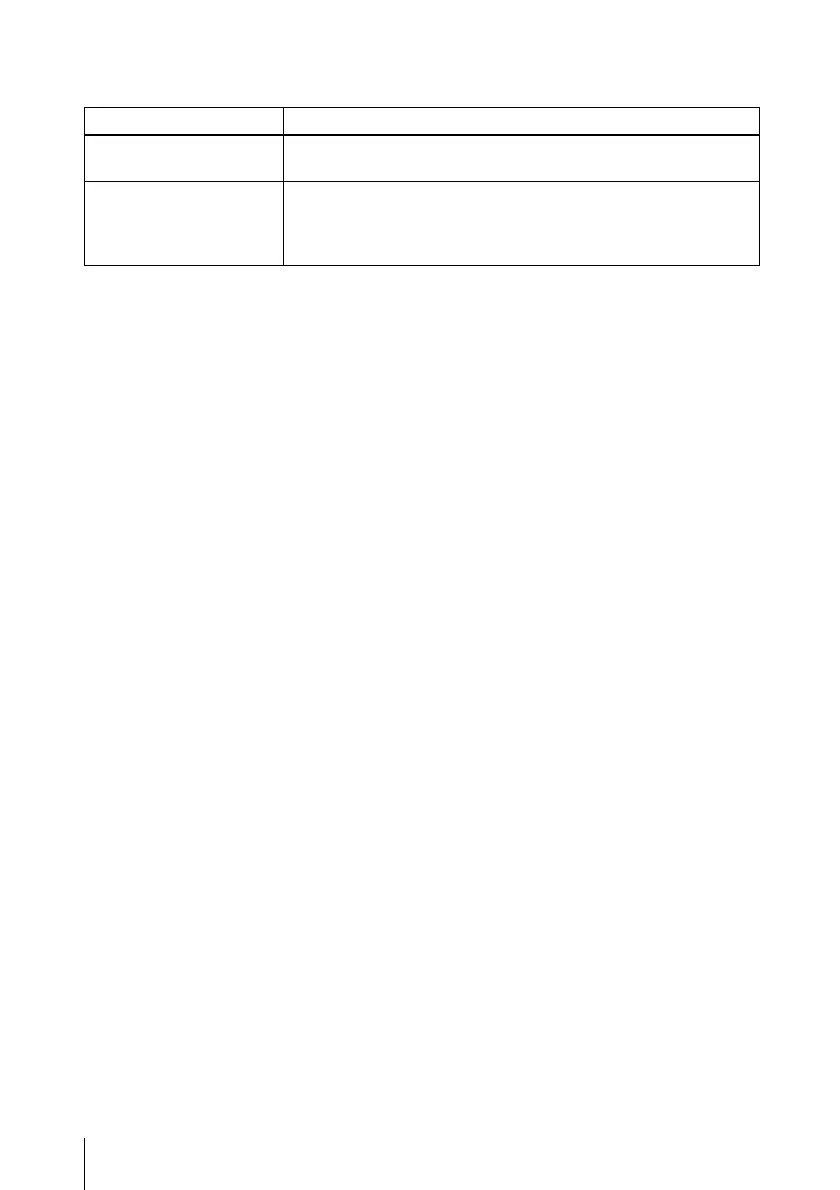
Message Meaning and Remedy
Not applicable! You have pressed the wrong key.
c Press the appropriate key.
The panel keys are locked! “Panel Key Lock” on the SET SETTING menu is set to “On.”
c All the keys on the control panel of the projector are locked.
Operate the projector with the keys on the Remote Commander
(see page 34).



 To Next Page