11
Identifying parts
F DISP (Screen display switch) button
(16)
• Press DISP (Screen display switch) button
longer to select the brightness of the LCD
backlight (DSC-W55 only).
G MENU button (30)
• Press MENU longer to display the
(Setup) screen.
H (Playback) button (28)
I Hook for wrist strap
J Mode dial (18)
K Control button
Menu on: v/V/b/B/z (30)
Menu off: / / / (21-23)
L (Image Size/Delete) button
(24, 28)
M Tripod receptacle (bottom)
• Use a tripod with a screw length of less than
5.5 mm (7/32 inch). You will be unable to
firmly secure the camera to tripods having
screws longer than 5.5 mm (7/32 inch), and
may damage the camera.
• After use, remove the camera from the
tripod.
N Battery/“Memory Stick Duo” cover
O Access lamp
P “Memory Stick Duo” slot
Q Battery insertion slot
R Battery eject lever
S Multi connector (bottom) (DSC-W55)
• The multi connector is used in the following
situations:
T DC IN jack (DSC-W35)
When using an AC-LS5K AC Adaptor
(not supplied)
For details, refer to the operation
manual supplied with the AC adaptor.
• You cannot charge the battery pack by
connecting your camera to the AC-LS5K
AC Adaptor. Use the battery charger to
charge the battery pack.
U DC IN jack cover (DSC-W35)
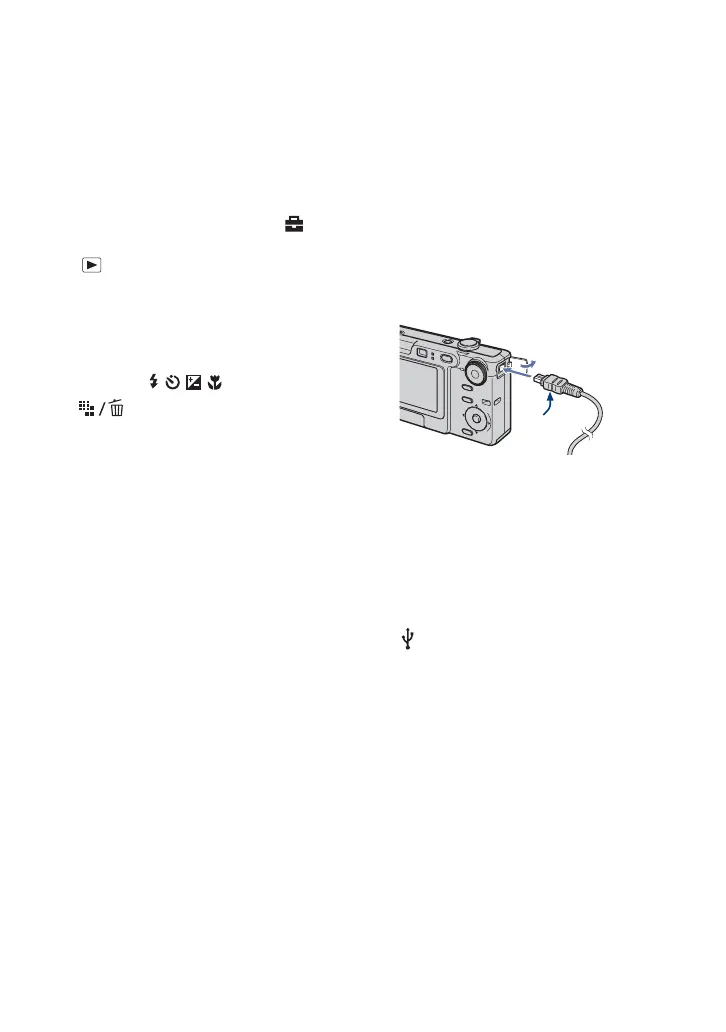
V A/V OUT jack (DSC-W35)
W Jack cover (DSC-W35)
X (USB) jack (DSC-W35)
– USB connection with a computer
– AV connection with a TV
– PictBridge connection with a printer
v mark
2 To DC IN
jack
1









 To Next Page