Help Guide
Wireless Noise Canceling Stereo Headset
WF-SP700N
Turning on the headset
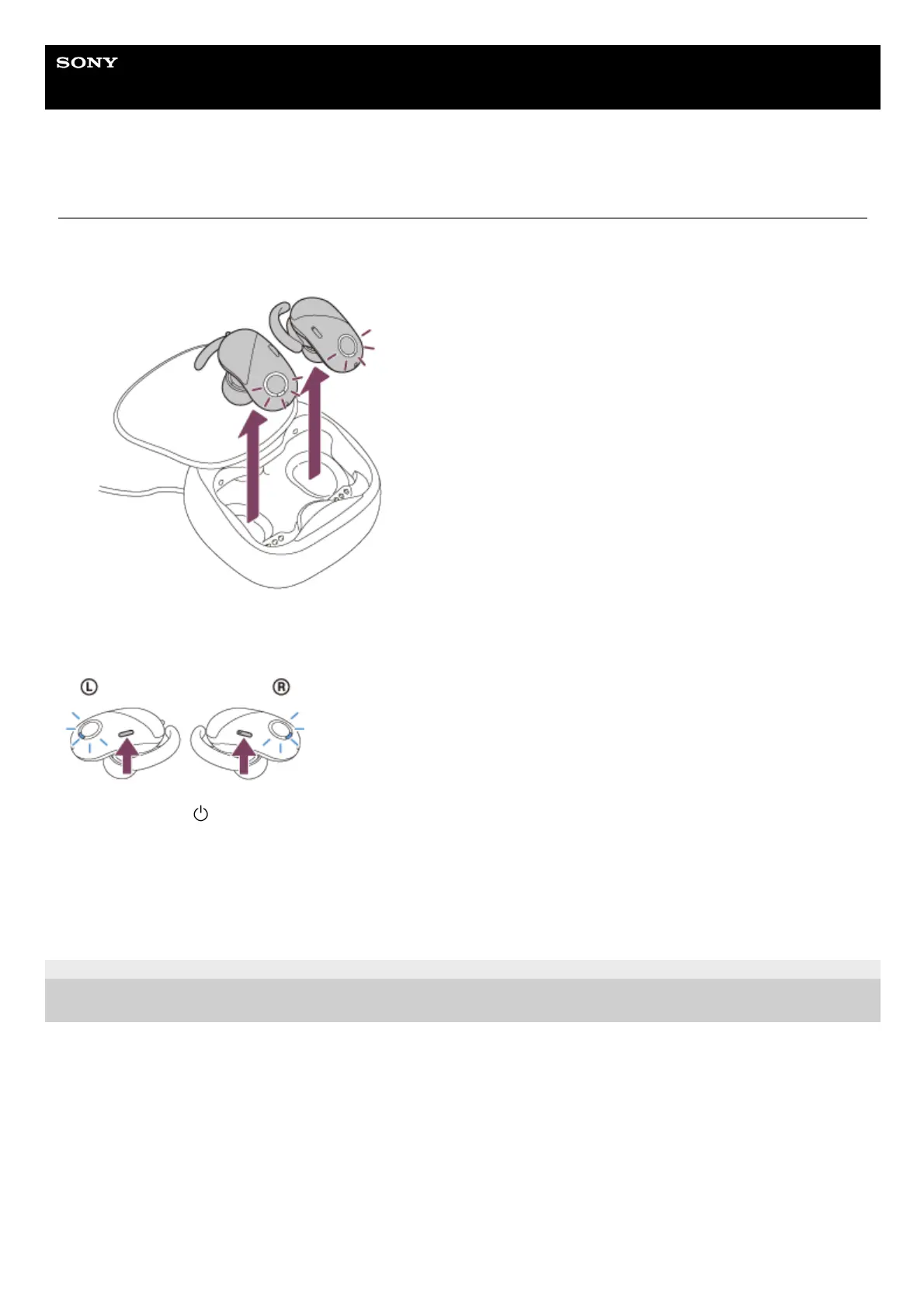
Removing the headset from the charging case
The headset turns on automatically and the indicator (blue) flashes.
Pressing and holding the buttons of the headset
You can turn on the headset by operating the buttons of the headset when the headset is not set on the charging case.
Press and hold the button on the left and the button on the right unit for about 2 seconds until the indicators (blue)
start flashing.
The noise canceling function turns on automatically and the connection between the left unit and the right unit is
established automatically.
The headset goes into pairing mode when turning on the headset for the first time after purchase.
4-730-308-11(4) Copyright 2018 Sony Corporation



 To Next Page